.png)
Summarize this article with:
Limina (formerly Private AI) is the strongest overall option for teams that need multi-modal redaction, 50+ languages, and private deployment. Nutrient is a better fit for PDF-only workflows that require permanent removal, while Microsoft Presidio is the main free, self-hosted option.
The main buying decisions are not just accuracy and price:
- Deployment: if data cannot leave your network, focus on Limina, Azure AI Language PII containers, Microsoft Presidio, or Philter.
- Permanent removal: some tools destroy sensitive data, while others only mask it. For compliance workflows, confirm which one you are getting.
- Modality: document-only tools differ from platforms that also cover images, audio, or video.
- Language coverage: Limina and Tonic Textual support 50+ languages, while AWS Comprehend supports English and Spanish.
- Accuracy: vendor-reported scores are not enough. Benchmark recall on your own documents before committing.
Many teams end up using more than one provider because no single tool is best across every deployment, modality, and compliance constraint. Eden AI lets you access and compare redaction providers through one standardized API, one key, and one response format, with pay-as-you-go pricing and an EU endpoint for keeping requests and data in Europe.
The table below compares the factors that matter when selecting a document redaction API for production: supported modalities, deployment options, permanent removal, language coverage, pricing, and compliance.
Use the table to narrow the shortlist based on your requirements. A detailed breakdown of each tool follows below.
What is a document redaction API?
A document redaction API detects sensitive information and removes, masks, or replaces it inside a document-processing workflow. Most combine named entity recognition with pattern matching, and use OCR when the input is a scanned PDF or image.
The main technical decision is what happens after detection. Some APIs permanently remove sensitive data, while others only mask or replace it. That difference matters for compliance because visually hidden information may still remain recoverable.
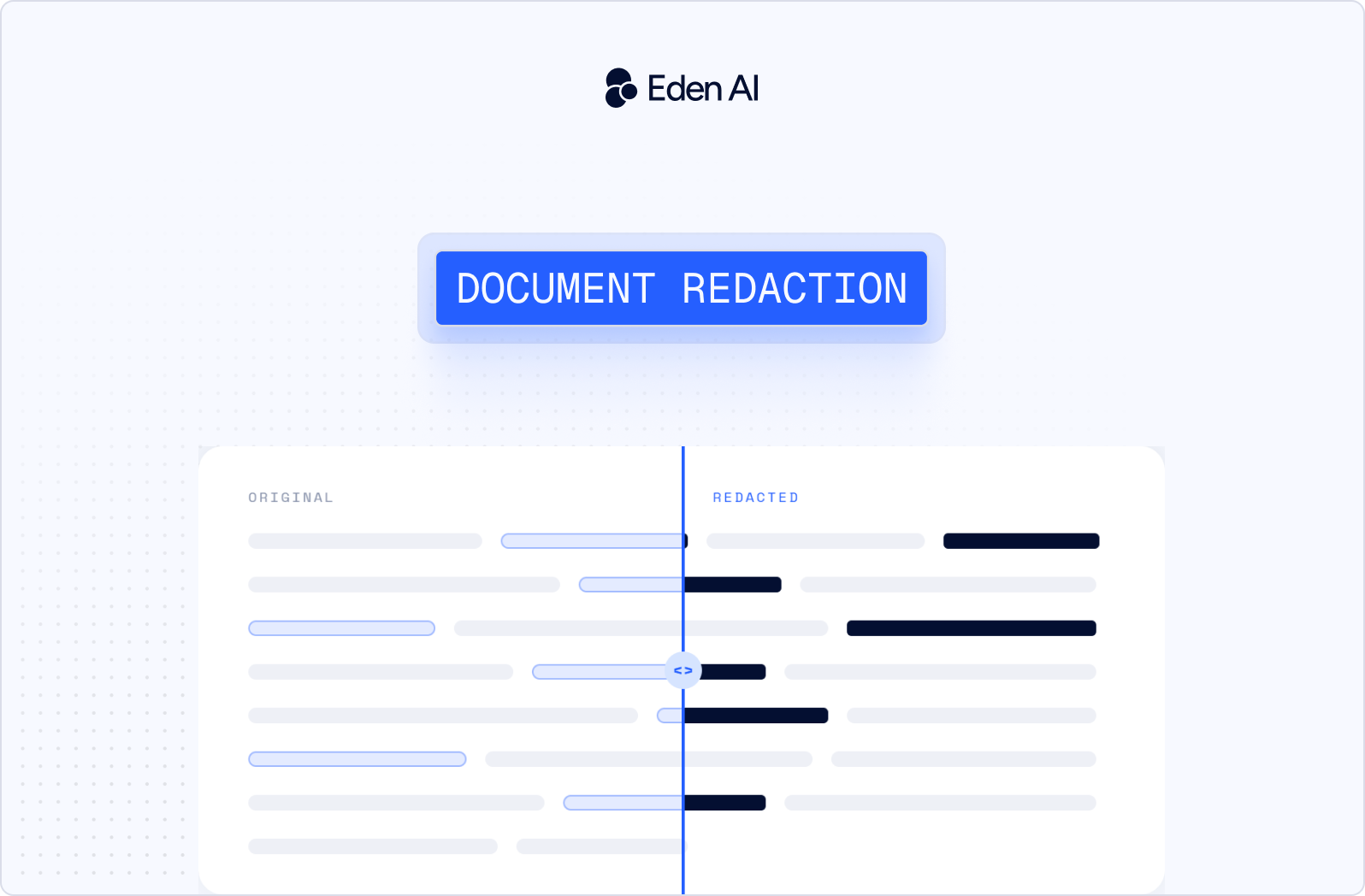
Redaction and anonymization are also different. Redaction removes specific confidential details, while anonymization aims to make a person unidentifiable, sometimes by replacing PII with synthetic values. Common inputs include PDFs, DOCX files, and images, while some tools also support audio and video.
Best document redaction APIs in 2026
1. Limina (formly Private AI)
Best for: Multi-modal redaction across sensitive data types
Limina detects and redacts PII, PHI, and sensitive entities across text, documents, images, audio, and video, with support for 50+ languages. It can replace detected entities with synthetic data instead of # symbols, blur faces in images, and bleep sensitive information in audio.Deployment options include cloud, VPC, on-premise, and container environments.
Private AI supports HIPAA, GDPR, and CPRA compliance requirements. The vendor states 99.5% accuracy. Pricing combines per-document and entity-based charges under an enterprise model, with no public free tier.
Limitations: Private AI does not publish transparent public pricing. Its stated 99.5% accuracy is vendor-reported on an undisclosed test set, so it should not be treated as an independent benchmark.
2. Google Cloud Sensitive Data Protection
Best for: Configurable sensitive data detection and de-identification
Google Cloud Sensitive Data Protection provides more than 200 built-in infoType detectors, with custom detectors available through dictionaries, regex, and context. It works across text, images, and structured data. De-identification options include redaction, masking, format-preserving encryption, and date-shifting. For images, the service masks detected sensitive information with an opaque rectangle.
Pricing is $0.03/GB profiled, and a free monthly tier is available. The combination of built-in and custom detection gives developers control over which sensitive data types the redaction API should identify and how detected information should be transformed.
Limitations: The service is tied to GCP. It was formerly called Cloud DLP, so documentation is split across the Sensitive Data Protection and Cloud DLP names.
3. Azure AI Language PII
Best for: Batch PII masking in common document formats
Azure AI Language PII provides native document PII processing for PDF, Word, and plain-text files. The workflow is batch-oriented rather than built around per-page document editing. Deployment includes Docker containers in both connected and disconnected, air-gapped modes. In the container setup, Microsoft never receives the analyzed text.
Pricing is available through pay-as-you-go or commitment tiers and is charged per character. For teams working with documents that need PII detection and masking inside controlled infrastructure, the container option is the main deployment advantage.
Limitations: Azure AI Language PII masks sensitive content rather than permanently removing it from the source document. OCR is not included and requires the separate Azure Document Intelligence service.
4. AWS Comprehend PII
Best for: Text-based PII detection with structured entity output
AWS Comprehend PII detects 36 PII entity types, localized for the US, UK, Canada, and India. The DetectPiiEntities operation returns the entity type, character offsets, and confidence score, which developers can use to build their own redaction logic. It also supports asynchronous jobs through S3.
Pricing is $0.0001 per 100-character unit with a 300-character minimum, plus 50,000 free units per month for 12 months. For teams processing text at scale, the API provides structured detection output without requiring a document-specific workflow.
Limitations: AWS Comprehend PII is text only, supports English and Spanish only, and does not include OCR. Some non-PII Comprehend features entered maintenance mode on 30 April 2026.
5. Nutrient AI Redaction
Best for: Permanent PDF redaction for compliance workflows
Nutrient AI Redaction is built specifically for PDF redaction. It permanently removes sensitive data rather than hiding it behind a visual layer, which matters when the source document itself must no longer contain the redacted content.
Pricing is 0.05 credits per page. Developers can integrate it through a REST API, SDKs, and webhooks. The service is positioned for workflows subject to GDPR, HIPAA, and SOC 2 requirements. Its narrow PDF focus makes the API suited to document pipelines where files need permanent redaction rather than temporary masking or annotation.
Limitations: Nutrient AI Redaction only works with PDFs. Images require Nutrient's separate OCR API before redaction can be applied.
6. Base64.ai
Best for: Redaction across identity and document formats
Base64.ai redacts names, dates, faces, signatures, and addresses across more than 10 formats, including PDF, DOCX, JSON, and PNG. Its model catalog includes more than 2,800 pre-trained models covering documents such as IDs, passports, licenses, visas, and SSN cards. The platform is built around document extraction, with redaction added as part of that broader processing workflow.
Base64.ai states 99.5% accuracy. For teams already extracting structured data from identity or administrative documents, the same pipeline can also identify and remove sensitive fields across several file types.
Limitations: Base64.ai is primarily an extraction platform with redaction layered on top, so it is less focused than a dedicated document redaction API. Pricing is enterprise-only.
7. Microsoft Presidio
Best for: Free, self-hosted PII redaction
Microsoft Presidio is a free, MIT-licensed framework for detecting and transforming sensitive data in text, images, and structured data. It separates detection from transformation, so teams can control how identified entities are handled after recognition.
Presidio is self-hosted and had 8.8k GitHub stars, 183 contributors, and release 2.2.362 in March 2026. This makes it suited to teams that want to keep redaction inside their own infrastructure rather than send documents to a managed API. There is no software license cost, but deployment and model tuning remain the user's responsibility.
Limitations: Presidio ships with an explicit disclaimer that it will not find all sensitive information. It requires ML engineering work to tune detection quality for production use.
8. brighter AI (brighter Redact)
Best for: Visual anonymization of faces and license plates
brighter AI's brighter Redact focuses on anonymizing faces and license plates in images and video. It offers Precision Blur, including corner-point license plate accuracy and oval face blur, plus DNAT, which uses generative, non-reversible synthetic face overlays designed to preserve ML utility. The service is available through a REST API and web UI, with EU servers.
brighter AI positions the product for GDPR, CCPA, APPI, and PIPL requirements. Its processing is centered on visual privacy rather than text-based document redaction, making it relevant for camera, video, and image workflows.
Limitations: brighter Redact is visual only and does not handle text or document PII. Pricing is enterprise-only.
9. Tonic Textual
Best for: PII redaction inside AI and data pipelines
Tonic Textual uses transformer-based detection across text, JSON, HTML, PDF, images, tabular data, and audio, with support for 50+ languages. Detected entities can be handled through per-entity masking, synthesis, or deterministic replacement. The system preserves formatting, which matters when redacted outputs need to remain usable downstream.
Developers can also connect it to AI workflows through the langchain-textual LangChain tools and an MCP server exposing 21 tools. Its range of supported modalities makes it suited to pipelines where sensitive data moves between structured data, documents, and model inputs rather than staying inside a single file type.
Limitations: Tonic Textual is oriented more toward AI and data pipelines than document-specific redaction workflows.
10. ReadyRedact
Best for: Rule-based redaction in document workflows
ReadyRedact applies pixel-to-pixel replacement to remove sensitive content from documents. It supports automated redaction rules and scanning, along with API and file-sharing integrations for adding redaction into existing workflows.
The product is positioned for organizations working under GDPR, CCPA, LGPD, POPI, and HIPAA requirements. Its document-centric approach focuses on applying repeatable redaction rules rather than handling a broad range of media types.
For teams that need sensitive information removed from files through predefined policies, the API and integration options provide a path to connect redaction with existing document processing systems.
Limitations: ReadyRedact is document-centric and does not support audio or video redaction. It is also less developer-first than API-native competitors.
Best free and open-source redaction tools
Microsoft Presidio
Microsoft Presidio is the strongest open-source option for teams that want full control over their redaction stack. It uses the MIT license and has 8.8k GitHub stars and 183 contributors. Release 2.2.362 dates from March 2026.
Presidio handles text, images, and structured data. It separates detection from transformation:
- Detection: finds sensitive spans and assigns confidence scores.
- Transformation: replaces, masks, or encrypts those spans.
There is an important caveat. Presidio ships with an explicit warning that it will not find all sensitive information. Production teams still need to tune it and test it against their own documents.
Philter
Philter by Philterd is another open-source option for teams that need self-hosted or air-gapped deployment. It uses the Apache 2.0 license and can run in a VPC, on-premise, or in an air-gapped environment.
Philter uses configurable policies and trained models rather than relying on regex alone. It also supports consistent pseudonymization with referential integrity, so the same person can map to the same placeholder across multiple documents. This is useful when downstream analysis needs relationships between records to remain intact.
Free tiers from commercial APIs
Commercial tools can also work for testing or low-volume workloads:
- AWS Comprehend: 50,000 free units per month for 12 months
- Google Sensitive Data Protection: monthly free tier
- Tonic Textual: free tier available
The real cost of "free"
Free software does not mean free operation. Self-hosting still requires engineering time for tuning, evaluation against your own documents, GPU or CPU capacity, deployment, and ongoing maintenance.
For a small team processing low volumes, a paid API can cost less than the engineering time required to run and maintain an open-source redaction stack.
On-premise, VPC and air-gapped redaction
Some data cannot leave the organization's network for regulatory, contractual, or classification reasons. In healthcare, government, defense, and finance, that constraint can eliminate most redaction APIs before pricing or accuracy even enter the discussion.
The first question is simple: can detection and transformation run entirely inside infrastructure you control?
Azure AI Language PII
Azure AI Language PII supports Docker containers in both connected and disconnected modes. The disconnected option is designed for environments with no outbound connectivity and uses commitment-tier pricing. Microsoft receives billing telemetry, but never the analyzed text. This makes it suitable for teams that need PII processing to remain inside a controlled environment.
Limina
Limina supports container, VPC, and on-premise deployment. Its full multi-modal coverage remains available across these deployment options, including: text, documents, images, audio, and video. This matters when restricted data extends beyond PDFs or text records.
Microsoft Presidio
Microsoft Presidio is fully self-hosted and distributed under the MIT license. Teams control the deployment and processing environment themselves rather than relying on a managed redaction service.
Philter
Philter supports VPC, on-premise, and air-gapped deployment. It is available under the Apache 2.0 license, making it another option for environments where sensitive documents cannot be transmitted outside the network.
What to check before deploying on-premise
The deployment label alone is not enough. Before committing, verify:
- Feature parity: does the on-premise version support the same entity types and input formats as the cloud version?
- Model updates: how are new models delivered when outbound connectivity is disabled?
- Offline licensing: how is usage measured or licensed in an air-gapped environment?
For restricted environments, these operational details can matter as much as the redaction model itself.
Compliance: HIPAA, GDPR and audit trails
A redaction API does not make a workflow compliant on its own. Developers need to match detection, transformation, logging, and processing location to the obligation they are trying to satisfy.
This is practical technical guidance, not legal advice.
HIPAA: check all 18 identifiers
HIPAA Safe Harbor requires the removal of 18 specific categories of identifier. A general-purpose PII detector tuned for names and email addresses will not necessarily identify all 18. Check the API's entity coverage against the Safe Harbor list rather than assuming that "PII detection" is enough.
GDPR: pseudonymization is not anonymization
Under GDPR, pseudonymized data is still personal data. Only genuinely anonymized data falls outside the regulation. Replacing a name with a consistent placeholder can reduce exposure, but it does not necessarily make the person unidentifiable. This is why the earlier distinction between masking and permanent removal matters.
Audit trails: record what happened
Redaction also needs to be auditable. Your system may need to show:
- What was redacted
- When the redaction happened
- Which model version performed the detection
- Who approved the result
Check whether the API returns a structured log of detected entities and applied transformations, and whether your system can retain that log for later review.
Data residency: know where processing happens
Processing location can matter under GDPR. brighter AI processes on EU servers. Azure containers and other self-hosted options can keep document processing inside your own infrastructure boundary. Eden AI's EU endpoint can also keep requests in Europe. The practical takeaway is simple: compliance depends on the entire processing chain, not just the redaction API itself.
Redaction vs. masking: why "redacted" doesn't always mean removed
Buyers often assume that when an API says a document has been redacted, the sensitive data is gone. That assumption is unsafe. Products sold as redaction APIs can perform three materially different operations: permanent removal, masking, or detection. Those differences determine whether the original PII remains recoverable after processing.
Permanent removal
Permanent removal destroys the underlying sensitive data in the output. Nutrient describes its redaction as permanent, removing data rather than hiding it. ReadyRedact uses pixel-to-pixel replacement. Private AI removes or replaces detected entities, while also supporting face blurring in images and audio bleeping. In these workflows, the goal is an output where the original sensitive content is no longer present in its original form.
Masking and detection are different
Masking covers or substitutes sensitive information, but the workflow is not built around destroying the underlying data. Microsoft Azure AI Language, for example, masks text rather than permanently removing it. That distinction matters when a compliance requirement concerns whether the original information still exists, not just whether a reader can see it.
Detection is different again. AWS Comprehend returns the PII entity type, character offsets, and a confidence score. It can output a redacted version, but detection is the core product. If you use those results to build your own redact document API workflow, responsibility for removing the data correctly sits with your implementation.
Why PDFs are especially risky
PDFs make this distinction important because drawing a black rectangle over text does not necessarily remove anything. If the rectangle is only an overlay, the original text layer can remain underneath. A recipient may still be able to select the covered text, copy it, and recover information that appears visually hidden. This failure mode has caused real disclosure incidents.
Permanent PDF redaction must remove that recoverable underlying content, such as by flattening or rewriting the file so no recoverable text layer remains. Visual appearance alone is not proof of removal.
For anyone building a compliance workflow, the first vendor question should be: Does this operation destroy the sensitive data or only hide it? Ask that before asking about accuracy. A strong detector does not solve the problem if the output still contains recoverable PII.
How to choose a document redaction API
Start with the constraint that can eliminate a provider outright. Deployment and data-removal requirements matter more than secondary features.
1. Deployment
If data cannot leave your network, start with Azure AI Language PII containers, Private AI, Microsoft Presidio, or Philter. Azure supports disconnected Docker containers. Private AI supports container, VPC, and on-premise deployment. Presidio and Philter can be self-hosted.
2. Modality
If you only process documents, look at Nutrient or ReadyRedact. If you also need images, audio, or video, Private AI is the stronger fit. Tonic Textual also supports text, PDF, images, tabular data, and audio.
3. Permanent removal
If sensitive data must be destroyed in the output, prioritize Nutrient, ReadyRedact, or Private AI. Azure AI Language PII uses masking rather than permanent removal. Confirm what happens to the underlying data before comparing detection scores.
4. Language coverage
If multilingual coverage matters, Private AI and Tonic Textual support 50+ languages. AWS Comprehend supports English and Spanish only, so it should stay on the shortlist only when those languages cover your workload.
5. Volume and budget
If you process high volumes of text, per-character cloud pricing can be the better fit. If volume is low but requirements are strict, a fixed-cost tool may make more sense. Compare pricing against your real input type and expected processing volume.
One provider may not be enough
Teams often need more than one provider because no single tool leads across document workflows, video processing, and on-premise deployment at once. A multi-provider architecture like Eden AI can route each workload to the tool that best matches its constraints.
Access redaction providers through one Eden AI API
Most teams do not end up with one redaction provider for every workload. Document format, deployment constraints, language coverage, and removal requirements can push different use cases toward different tools. Eden AI addresses the integration problem that creates.
With Eden AI, providers use a standardized API, one API key, and one response format. Switching providers is a parameter change rather than a new integration, so teams can test alternatives without rewriting application code.
That also makes provider evaluation easier. Instead of relying on vendor-reported accuracy figures, you can benchmark multiple providers against the same labeled sample of your own documents, using the evaluation approach described earlier in this article. Once you choose a provider, the surrounding integration remains unchanged.
Eden AI uses pay-as-you-go pricing, so teams do not need to negotiate separate contracts with each provider they test. An EU endpoint is also available for keeping requests and data in Europe.

.jpg)