Summarize this article with:
The best face detection API depends on your accuracy requirements, image volume, deployment region, and need for extra features such as landmarks, head pose, or demographic attributes.
Some providers offer strong detection quality but require complex cloud setup. Others are easier to integrate but provide fewer controls, limited free tiers, or less transparent pricing. You also need to check whether the API supports batch processing, video, multiple faces, confidence scores, and the image formats used by your application.
This guide compares 11 face detection APIs based on features, pricing, free access, integration effort, and practical limitations. You can also test several providers through Eden AI using one API key, which makes it easier to compare outputs without building separate integrations.
Start with the face detection API comparison table below.
What is a face detection API?
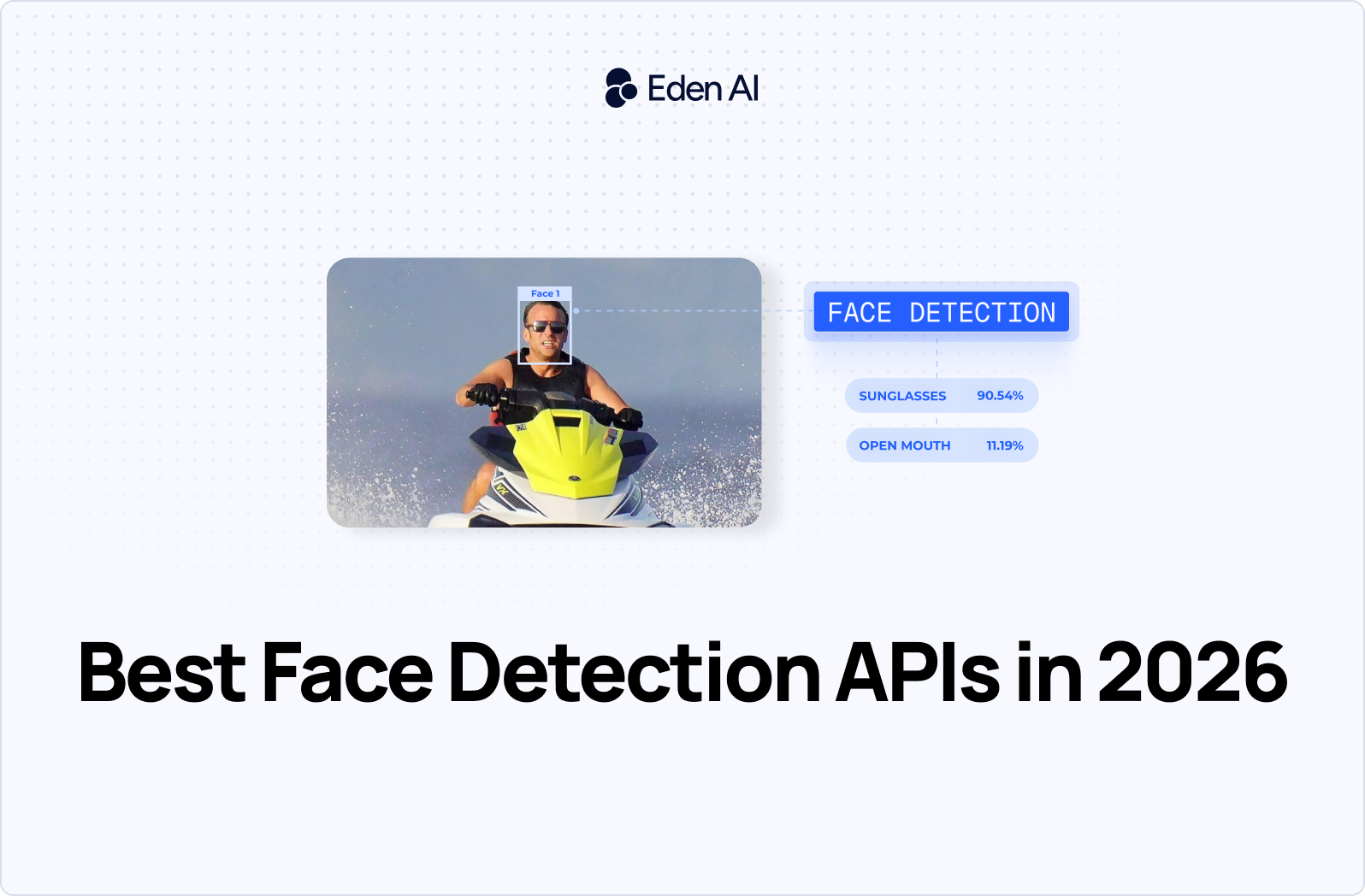
A face detection API identifies whether an image or video contains one or more human faces and returns their locations, usually as bounding-box coordinates. It does not identify who the person is.
Basic detection tells you that a face is present and where it appears. More advanced APIs may also return facial landmarks, such as eye, nose, and mouth positions, plus attributes like head pose, estimated age, gender, or emotion. These extra outputs are analysis features layered on top of face detection, and availability varies by provider.
.png)
Face detection vs. face recognition vs. face matching
Face detection finds faces in an image. Face recognition identifies a person from a known database. Face matching compares two faces and estimates whether they belong to the same person.
Use detection for cropping faces, counting people, quality checks, or triggering downstream workflows. Use recognition for identity search across an enrolled gallery, and face matching for one-to-one verification, such as comparing a selfie with an ID photo.
For identity-focused use cases, see our guides to the best face recognition APIs and best face compare APIs. This article focuses only on detecting and analyzing faces.
What can a face detection API detect?
A face detection API can return the location of each face, facial geometry, and optional attributes.
Common outputs include:
- Bounding boxes: Pixel or normalized coordinates around each detected face.
- Facial landmarks: Positions of the eyes, eyebrows, nose, mouth, and jawline.
- Head pose: Estimated yaw, pitch, and roll angles.
- Age detection: An estimated age or age range.
- Gender detection: A predicted gender label or probability.
- Emotion analysis: Scores for expressions such as happiness, sadness, anger, or surprise.
Attribute support varies by provider. Microsoft Azure, for example, has retired general-purpose emotion and gender detection. Age detection, smile, facial hair, hair, and makeup analysis are restricted to selected approved use cases.
Basic face detection, including bounding boxes, landmarks, head pose, blur, exposure, glasses, and occlusion, remains available without Limited Access registration. Azure’s identity features, such as face identification and verification, require approval and are not available on the Free tier.
How we tested and evaluated these APIs
We evaluated each face detection API through its documentation, available test environments, API responses, and integration workflow. Where direct testing was possible, we compared how providers handled common image conditions without turning the results into an unsupported benchmark. We also checked the practical constraints that affect production use.
- Detection accuracy: We looked at performance across single faces, groups, different angles, partial occlusion, and varied image quality.
- Latency and speed: We assessed response time, batch options, and suitability for real-time workflows.
- Features: We checked support for facial landmarks, attributes, multiple faces, video, and confidence scores.
- Pricing and free tier: We reviewed billing units, entry costs, trial credits, and free usage limits.
- Integration and documentation: We compared API design, SDK coverage, examples, error handling, and setup effort.
- Privacy and compliance: We examined data retention, processing regions, consent requirements, and restricted biometric features.
- Platform support: We noted whether each option runs in the cloud, on-device, in a browser, or across several environments.
Best face detection APIs in 2026
The 11 best face detection APIs in 2026 are Amazone Rekonigtion, Google Cloud Vision, api4ai, Clarifai, Microsoft Azure Face, Face++, InsightFace, DeepFace and browser FaceDetector API.
Amazon Rekognition
- Best for: Large-scale face detection in AWS-based applications and media pipelines.
- Key features:
- Detects face bounding boxes and facial landmarks.
- Returns attributes that can support image analysis workflows.
- Processes both images and video.
- Supports applications managing millions of stored faces.
- Pricing: $1.00 per 1,000 files on Eden AI.
- Watch out: Rekognition fits naturally into AWS infrastructure, but it can add ecosystem dependency if the rest of your stack runs elsewhere. Its broad attribute set may also be unnecessary for applications that only need coordinates and basic landmarks.
Amazon Rekognition is a strong choice for high-volume systems, identity workflows, media indexing, and applications already using S3, Lambda, or other AWS services.
Test Amazon Rekognition on Eden AI
Google Cloud Vision
- Best for: General-purpose applications that need face detection alongside other computer vision features.
- Key features:
- Detects multiple faces and returns bounding regions.
- Identifies facial landmarks.
- Provides likelihood scores for emotions and expressions.
- Can support wider image-analysis pipelines through Google Cloud Vision.
- Pricing: $1.50 per 1,000 files on Eden AI.
- Watch out: Google Cloud Vision detects faces but is not designed as a full face recognition or identity-matching service. Emotion likelihoods are probabilistic signals and should not be treated as definitive conclusions about a person.
Google is the best all-rounder in this face detection API comparison if your application also needs labels, text detection, object analysis, or other vision features. It is less suitable if your only priority is the lowest cost per image.
Test Google Cloud Vision on Eden AI
api4ai
- Best for: Low-cost, high-volume face detection with straightforward output.
- Key features:
- Returns face locations and five key facial points.
- Handles changes in lighting and image rotation.
- Provides a focused API for common detection workflows.
- Suits batch processing and applications with predictable requirements.
- Pricing: $0.75 per 1,000 files on Eden AI.
- Watch out: api4ai returns fewer landmarks and attributes than larger cloud vision platforms. It may not fit projects that need detailed facial analysis, video processing, or a wider set of computer vision services from the same provider.
api4ai is the cheapest face detection API available through Eden AI in this comparison. It is a practical option for cropping faces, checking whether an image contains a face, or locating faces before another processing step.
Clarifai
- Best for: Teams that need face detection inside configurable or trainable computer vision workflows.
- Key features:
- Provides a dedicated face detection model.
- Supports multi-step workflows combining several models.
- Fits applications that may later require custom model training.
- Can connect detection with classification and other vision tasks.
- Pricing: $2.00 per 1,000 files on Eden AI.
- Watch out: Clarifai is the most expensive Eden AI option listed here. Its workflow and customization features may be excessive for developers who only need face coordinates from standard images.
Clarifai is most valuable when face detection is one stage in a broader computer vision pipeline. Choose it for configurable model workflows or future customization, rather than for the lowest possible detection cost.
Microsoft Azure Face
Microsoft Azure Face is best suited to enterprises that prioritize Microsoft cloud infrastructure, compliance controls, and hybrid deployment options. It supports face detection and landmark extraction, with Docker-based deployment options for some enterprise scenarios.
Some sensitive facial attributes, including age, gender, and emotion, are restricted in 2026 and may require approval or remain unavailable depending on your use case.
Pricing:
- The free tier includes 30,000 transactions per month, limited to 20 transactions per minute.
- Standard pricing starts at $1.00 per 1,000 transactions for the first 1 million monthly transactions.
Face++
Face++ is a budget-oriented API with detailed facial attributes, including estimated age, emotion, head pose, landmarks, and face quality signals. It can fit consumer applications, image editing tools, and analytics workflows that need more than basic face coordinates.
Review data-location requirements, documentation quality, and regional availability before using it for regulated workloads.
Pricing:
- Provides a free plan with no credit card, upfront fee, or commitment.
- Paid options include pay-as-you-go billing, prepaid QPS plans, and SDK licensing.
InsightFace
InsightFace is an open-source toolkit for face detection, recognition, and facial analysis. It is a strong option for teams that need high model accuracy, control over infrastructure, or self-hosted processing.
You are responsible for deployment, GPU provisioning, scaling, model updates, and monitoring. Check the licence attached to each model before commercial use, since licences can differ across the project.
DeepFace
DeepFace is an open-source Python library that provides a simple interface over several face detection and recognition models. It is useful for prototypes, research, internal tools, and teams that want to compare backends without building every pipeline from scratch.
It is not a managed API, so production reliability, latency, scaling, and security remain your responsibility. Model performance also varies by selected backend.
Browser FaceDetector API (Shape Detection API)
The browser FaceDetector API runs face detection directly on supported user devices. It can reduce server costs, avoid uploading images, and support privacy-sensitive browser applications.
Browser support remains limited and inconsistent, so it should not be your only detection method for a public production application. Detection quality can also vary by device and operating system.
Pricing: no API fee, but implementation and fallback costs apply.
Face detection API use cases
- KYC and onboarding: Check whether an uploaded identity document or selfie contains a detectable face.
- Access control: Detect faces before passing images to a recognition or verification system.
- Retail and foot-traffic analytics: Count detected faces to estimate visits, occupancy, or queue length.
- Content moderation: Flag images containing faces for privacy review or additional policy checks.
- Photo tagging: Locate faces before clustering, labeling, or suggesting tags in photo libraries.
- AR filters: Map facial landmarks to position masks, effects, and overlays.
- Attendance: Confirm that a face is present before recording a check-in.
Face detection is also the first step in many face blur and anonymization workflows. The API locates each face, then your application applies pixelation, masking, or blurring before storing or sharing the image.
Cloud API vs. browser FaceDetector API vs. open-source
Use a cloud face detection API when you need managed scaling, predictable endpoints, monitoring, and minimal infrastructure work. It is usually the best option for production applications processing images from several devices or backend services.
Use the browser's built-in FaceDetector API when images should stay on the user's device and your application can tolerate inconsistent browser coverage. It can reduce upload latency and server costs, but support remains limited or experimental across browsers and platforms.
Use a self-hosted open-source model when you need full control over data location, model choice, latency, or customization. This approach suits regulated environments and high-volume workloads, but you must manage deployment, scaling, updates, and observability yourself.
How to choose the right face detection API
- Accuracy-first: Test several providers on your own images, including low light, side profiles, occlusion, and crowded scenes.
- Cost-first: Compare per-file pricing at your expected volume, then check whether you actually need landmarks or extra attributes.
- On-device or real-time: Use browser or self-hosted models when low latency, offline processing, or local data handling matters most.
- Multi-attribute analysis: Choose a provider that returns the landmarks, pose, expression, or quality signals your workflow requires.

.jpg)