Summarize this article with:
- Language models are smart, but they don’t always know everything—especially when real-time or domain-specific knowledge is needed.
- Building a Full Retrieval-Augmented Generation In this tutorial, based on our in-depth Youtube Tutorial , we’ll build a full-featured RAG backend using FastAPI , Eden AI , and some of the most...
- You need an Eden AI account and a single API key.
- Eden AI's REST API is language-agnostic.
- Most integrations take under an hour using Eden AI's standardized API and ready-to-use code snippets.
Why RAG Is the Future of AI-Powered Search
Language models are smart, but they don’t always know everything—especially when real-time or domain-specific knowledge is needed.
Enter Retrieval-Augmented Generation (RAG): a powerful paradigm that combines large language models (LLMs) with information retrieval systems to provide smarter, more relevant, and grounded responses.
Building a Full Retrieval-Augmented Generation
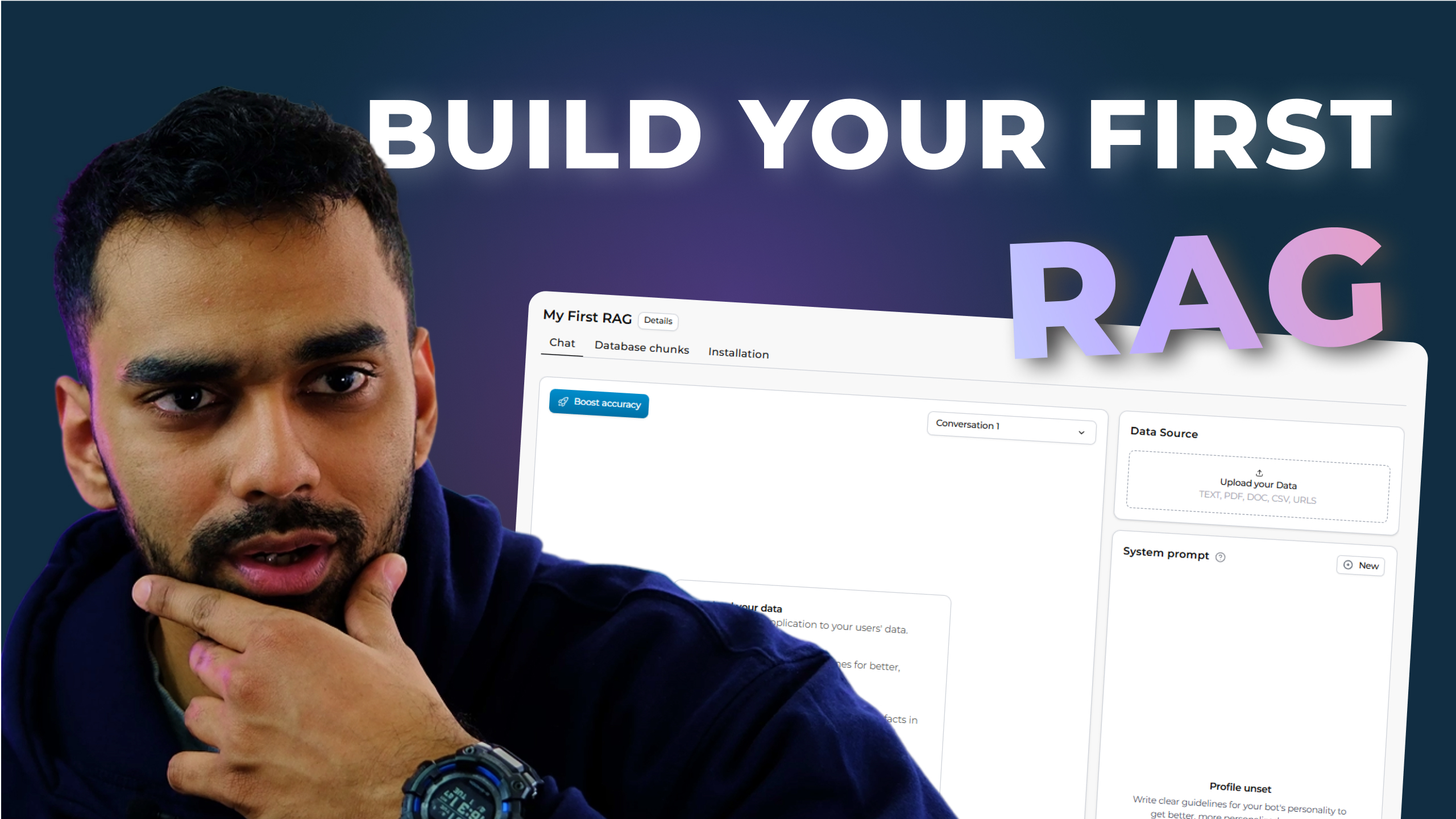
In this tutorial, based on our in-depth Youtube Tutorial, we’ll build a full-featured RAG backend using FastAPI, Eden AI, and some of the most powerful AI tools on the market (like OpenAI, Qdrant, and more).
You can watch our detailed tutorial to see the full breakdown and follow the step-by-step instructions, where we’ll guide you through every stage of the process—from setting up the environment to deploying a robust backend solution, ensuring you understand each concept and its application.
Whether you're a developer looking to add smart Q&A to your app, or an ML enthusiast curious about how RAG works under the hood, you're in the right place.
What We’ll Build
We're going to build a complete backend RAG system that allows you to:
- Create RAG projects using Eden AI’s API.
- Upload data (files, URLs, or plain text).
- Generate embeddings and store them in a vector database.
- Ask contextual questions using LLMs.
- Create and manage conversations for chat-based interfaces.
Tech Stack
- FastAPI – For building our backend API.
- Eden AI – Abstracts multiple AI providers and gives access to OCR, STT, embeddings, LLMs, and vector DBs.
- Qdrant – Vector store used to hold your document embeddings.
- OpenAI – Used as the provider for embeddings and LLMs.
- CORS Middleware – To allow frontend apps to connect to our API.
Step-by-Step Guide:
Part 1: Setting Up the Project
Let’s start with the basic setup:
We’re importing the essential FastAPI classes and tools for building APIs, along with requests for making HTTP requests to Eden AI, and os for accessing environment variables.
We also bring in Pydantic models and some typing utilities:
These help with defining clear and structured request/response models.
Load Eden AI Key
We load the API key from environment variables:
This ensures the key is securely managed and not hardcoded. Replace your_default_key_here with a safe fallback or manage securely via .env in production.
Define Eden API Base URL and Helper Function
Now we define the base URL for the Eden AI RAG endpoint and a helper to attach authorization headers to all outgoing requests:
Part 2: Initializing FastAPI
This initializes our FastAPI app with a title and description. Useful for auto-generated docs at /docs.
Add CORS middleware to allow frontend access:
This is crucial for development and integration with frontend apps like React or Vue.
Part 3: Models for RAG Project Creation
Here we define Pydantic models that structure our incoming requests.
These parameters allow for deep customization of how data is chunked, embedded, and stored.
Part 4: Creating and Managing RAG Projects
Create a Project
This endpoint creates a new RAG project in Eden AI. It serializes your form input to JSON and sends it off.
List and Manage Projects
Endpoints to list, retrieve, and delete projects:
You can use these to monitor or clean up your project space.
Part 5: Adding Data to the Project
Uploading Files
This will trigger OCR (if needed), and chunking + embeddings generation via Eden AI.
Adding Text or URLs
This is especially useful for adding data programmatically, like injecting FAQ content or scraping URLs.
Part 6: Creating Bot Profiles
This is where you can define the "personality" of the chatbot or assistant:
This is your system prompt — telling the LLM how to behave. You can also pass temperature or max_tokens via params.
Part 7: Asking Questions (LLM + RAG)
This endpoint is the core of the RAG system — it retrieves relevant chunks from the vector DB and feeds them into the LLM as context before answering your query.
Part 8: Managing Conversations
To support chat-based UIs, we manage conversations too:
You can also retrieve, delete, or continue an ongoing thread of dialogue using history.
Part 9: Querying and Deleting Data
Need to clean up?
You can also query data directly:
Perfect for admin dashboards or sanity checks.
Real-World Example Flow
Let’s say you want to build a legal document assistant:
- Create a RAG project with OpenAI and Qdrant.
- Upload your legal docs (PDFs, text, URLs).
- Create a bot profile instructing the AI to behave like a legal expert.
- Ask questions like “What clauses apply to intellectual property in this contract?”
- Retrieve and chat with full context, citations, and follow-up support.
Conclusion
Retrieval-Augmented Generation is the next evolution in how we interact with AI. By combining structured knowledge retrieval with powerful LLMs, we’re giving our apps superpowers—from legal document search, to customer support chatbots, to custom research assistants.
This blog and our [YouTube tutorial] give you everything you need to get started. Whether you’re building tools for work, school, or fun, a solid RAG backend like this is your foundation.
If you're hungry for more, consider expanding this into:
- A full-stack app with a React/Vue frontend.
- Support for audio transcription and OCR pipelines.
- Custom metadata tagging and filtering.
Want the full walkthrough with voice, visuals, and step-by-step debugging? Watch the full tutorial on our YouTube channel.
Frequently Asked Questions (FAQ)
What do I need to Build a Full Retrieval-Augmented Generation (RAG) System?
You need an Eden AI account and a single API key. Eden AI handles authentication and routing to the underlying providers, so no additional vendor accounts are required to Build a Full Retrieval-Augmented Generation (RAG) System.
Which programming languages support this integration?
Eden AI's REST API is language-agnostic. Official code examples are available for Python, JavaScript, PHP, and cURL, covering the most common integration scenarios.
How long does the implementation take?
Most integrations take under an hour using Eden AI's standardized API and ready-to-use code snippets. The unified response format eliminates custom parsing for each provider.
How do I handle errors and rate limits in production?
Eden AI includes built-in fallback routing and automatic retry logic, ensuring requests are redirected to an alternative provider if the primary one is unavailable or rate-limited.
Is data sent through Eden AI protected and GDPR-compliant?
Eden AI does not store or reuse your data and supports GDPR-compliant provider filtering, ensuring all data processing meets European privacy regulations.

.jpg)
%20(1).png)