.jpeg)
Summarize this article with:
- Text-to-Speech (TTS) is a technology that converts written text into spoken audio.
- Developers can Generate Voice (Text-to-Speech) using JavaScript using a REST API that accepts standard inputs and returns structured JSON responses.
- The integration works with Python, JavaScript, PHP, and any HTTP-capable language with minimal setup.
- Eden AI provides several advantages for TTS integration.
- Choose between Amazon, Google, Microsoft and more.
In this tutorial, you will learn how to use the Text-to-Speech API in 5 minutes using JavaScript. Eden AI provides an easy and developer-friendly API that allows you to convert text into natural-sounding speech.
What is the Text-to-Speech API?

Text-to-Speech (TTS) is a technology that converts written text into spoken audio. TTS is used in a wide range of applications, from accessibility tools and virtual assistants to e-learning platforms and customer service systems.
Getting Started with Text-to-Speech
Set Up Your Eden AI Account
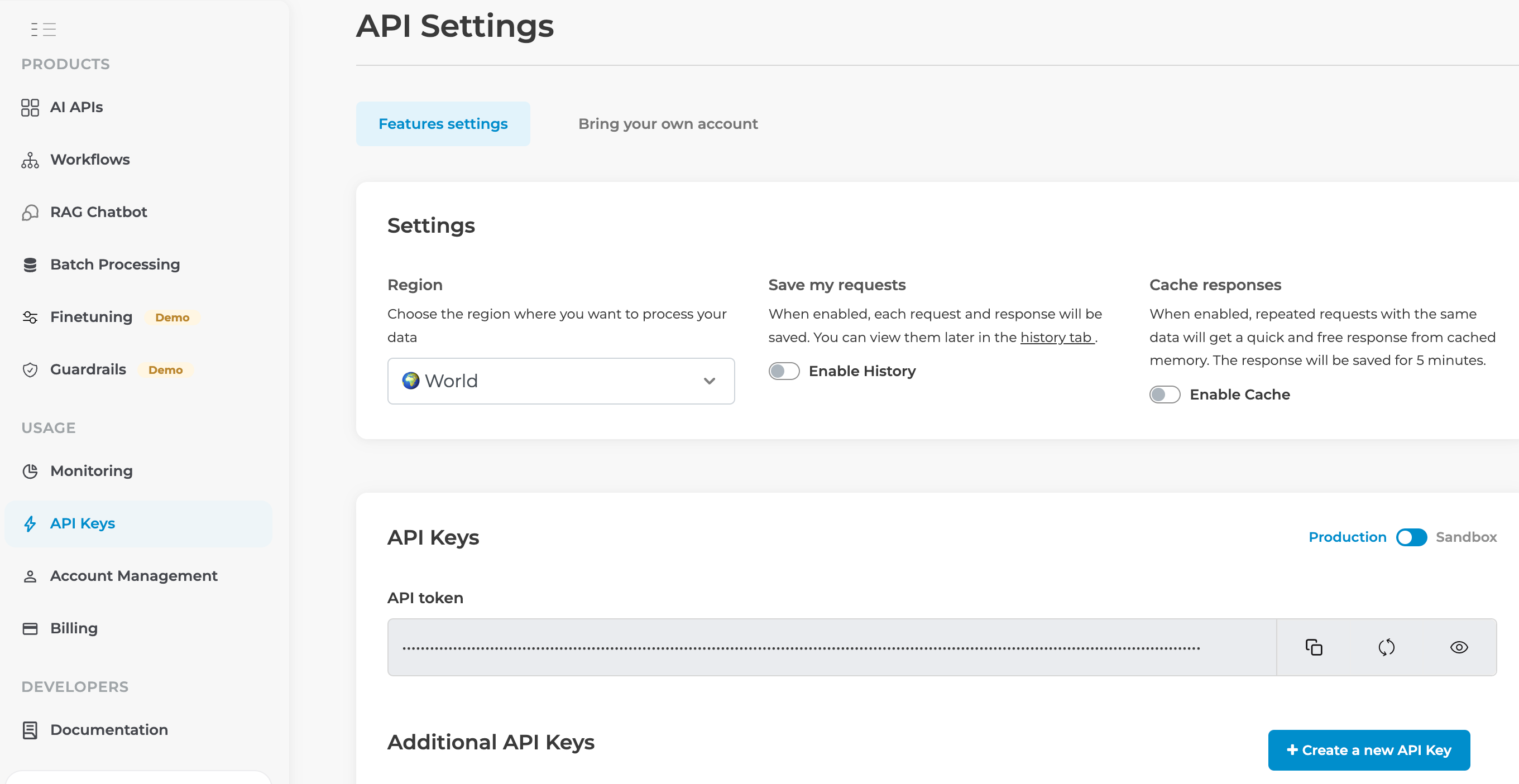
1. Sign Up: If you don't have an Eden AI account, create a free here. Once you do that you can obtain your API key, which you can use to access the Text-to-Speech API.
2. Access the TTS Feature: Once logged in, go to the audio section of the platform.
3. Choose the Text-to-Speech feature: Select the TTS tool. You can also explore other options based on your specific requirements.
How to Implement Text-to-Speech API using JavaScript?
Why Eden AI is the Best for Text-to-Speech
Eden AI provides several advantages for TTS integration.
Multiple AI Providers
Choose between Amazon, Google, Microsoft and more. Easily compare and switch providers.
Easy Integration
One API key, multiple services. No complex setup required.
Cost Efficiency
Pay only for what you use.
Conclusion
Eden AI's TTS API makes it easy to add voice to your JavaScript applications. Sign up for free on Eden AI and start converting text to speech today!

.jpg)

%20(1).png)