Summarize this article with:
- Very simple economics for translation-led workflows because detection has no additional charge when source language is omitted in translation requests.
- For Cloud Translation basic/NMT usage, which includes language detection , the first 500,000 characters per month are free as a $10 monthly credit .
- Azure Language is a strong enterprise language detection API for teams that want language detection plus broader text AI capabilities , with a particularly interesting advantage: Microsoft supports...
- Azure Language is a broad platform, so if you only want one tiny standalone detection endpoint, it can feel heavier than a pure-play service.
- API4AI ’s language recognition is one of the part of text extraction of API4AI capabilities.
What is a Language Detection API?
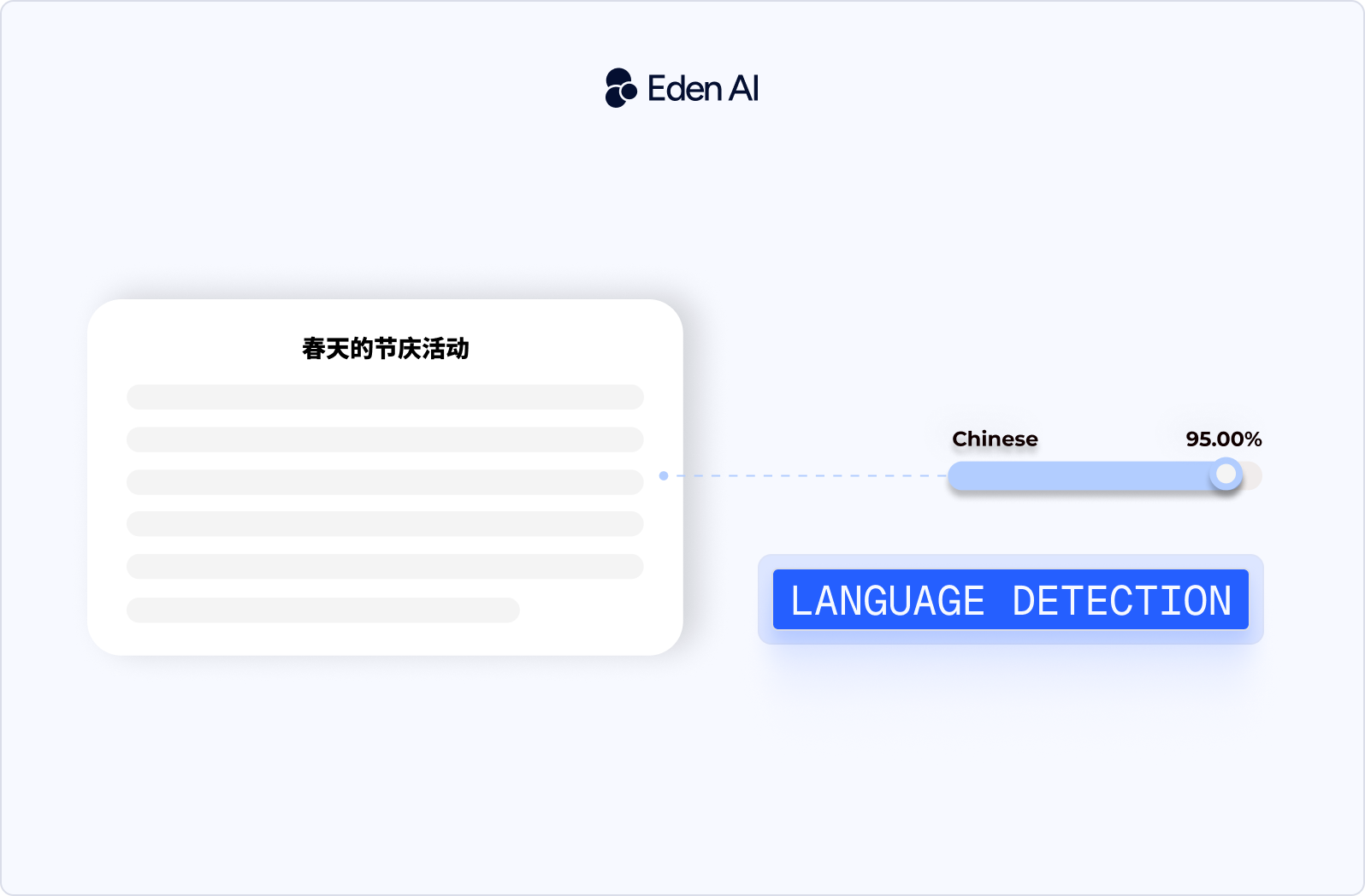
A Language Detection API is a service that takes text as input and automatically identifies the language it’s written in. In most cases, it returns a standardized language code (like en or fr), along with a confidence score that indicates how reliable the prediction is.
What really matters in practice is not just detecting the language, but how usable the output is in a real system. The best APIs provide high accuracy on short or noisy text, fast response times, and sometimes extra signals like the writing script (Latin, Cyrillic, Arabic),which can be critical for routing content correctly.
For example:
Your app sends text like: “Bonjour, comment allez-vous ?”
The API may return something like:
- fr
- confidence: 0.99
Top Language Detection APIs (2026 Comparison)
The best language detection APIs in 2026 are Amazon Comprehend, Google Cloud Translation, Microsoft Azure AI Language, API4AI, and Mistral. Below is a short comparison of the top language detection APIs in 2026, highlighting their core strengths, input types, and best use cases. This overview helps you quickly understand which API fits your workflow before going deeper into each solution.
Amazon Comprehend
Amazon Comprehend is a solid language detection API for teams that want straightforward text language detection inside the AWS ecosystem. Its language feature is explicitly built around dominant language detection, returns confidence scores, and AWS recommends giving it at least 20 characters for best results.
Pros:
- Supports a large language list and returns a confidence score, which is useful for fallback logic in production.
- Easy to fit into an AWS-native architecture with the rest of the Comprehend/NLP stack.
- Pricing is simple enough for teams to estimate because requests are measured in 100-character units with a 3-unit minimum.
Cons:
- It is designed for dominant language detection, so mixed-language content needs extra testing or chunking. AWS itself suggests splitting long multilingual documents into smaller pieces.
- AWS notes limitations with phonetic text and some close language pairs such as Indonesian vs Malay and Bosnian/Croatian/Serbian.
Pricing:
- Free tier: 50K units of text / 5M characters per API per month for 12 months, including Language Detection.
- Paid usage: measured in 100-character units, minimum 300 characters billed per request; AWS’s example shows $0.0001 per unit.
Google Cloud Translation (Language Detection)
Google Cloud Translation is the best language API for teams that already think of detection as part of a translation or multilingual content workflow, not as a separate product. Google exposes detection in Cloud Translation, and the pricing page makes one very important point: if you translate without specifying the source language, Google auto-detects it with no extra detection charge beyond the characters processed.
Pros:
- Detection is built directly into Cloud Translation, which is convenient if translation is your next step anyway.
- Very simple economics for translation-led workflows because detection has no additional charge when source language is omitted in translation requests.
- Strong scale and mature cloud tooling make it easy to operationalize for global apps.
Cons:
- It is less specialized as a standalone language detection product than a pure-play API such as Detect Language.
- Community feedback frequently highlights the need for tight cost controls on Google APIs in general, especially for teams new to usage-based billing.
Pricing:
- For Cloud Translation basic/NMT usage, which includes language detection, the first 500,000 characters per month are free as a $10 monthly credit.
- After that, pricing is $20 per million characters for the standard NMT tier.
Microsoft Azure Language
Azure Language is a strong enterprise language detection API for teams that want language detection plus broader text AI capabilities, with a particularly interesting advantage: Microsoft supports on-premises containers for language detection.
Azure documents support for more than 100 languages in their primary script and also returns a confidence score.
Pros:
- Supports 100+ languages and includes script detection for some languages.
- Returns a score between 0 and 1, which is useful for confidence thresholds and fallback workflows.
- Can be run with Docker containers on your own infrastructure, which is a real differentiator for compliance-sensitive teams.
Cons:
- Pricing is based on text records, which is less intuitive than simple per-request or per-character pricing for some teams.
- Azure Language is a broad platform, so if you only want one tiny standalone detection endpoint, it can feel heavier than a pure-play service. This is an inference based on Azure’s broader product structure and pricing model.
Pricing:
- Azure bills standard language usage by text records; for example, a 1,200-character document counts as two text records.
- Container usage is still billed against the Azure Language resource attached to the container.
API4AI
API4AI’s language recognition is one of the part of text extraction of API4AI capabilities. It can be useful if your real problem is “what language is in this image, scan, or PDF?” but it is a weaker fit if your need is simply “I have raw text and want the language code.”
Pros:
- Clearly designed for images and PDFs, which is useful when text is not already extracted.
- Supports a wide array of languages and can recognize multiple languages within one image.
- Offers customization for teams with specific OCR requirements.
Cons:
- It is OCR-first, not a pure standalone text language detection API.
- Public pricing is less transparent than the big cloud APIs; the site emphasizes custom setup fees and a tailored subscription.
Pricing:
- API4AI says pricing is typically a one-time setup fee plus a personalized OCR API subscription cost.
Mistral
Mistral is a strong API for document-language handling options, not just text detection endpoints. Best for teams that processing PDFs, scanned reports, slide decks, multilingual documents, and RAG/document pipelines.
Pros:
- Built for document OCR and structured extraction, not just plain text output.
- Can preserve formatting such as headers, paragraphs, lists, and tables, which matters in document workflows.
- Very competitive OCR pricing at $2 per 1,000 pages and $3 per 1,000 annotated pages.
Cons:
- Not the cleanest fit if you simply need “send text, get language code”. Its public positioning is Document AI / OCR.
- Community commentary around Mistral tends to frame the product as strongest on cost rather than universally top-tier output quality across all AI tasks.
Pricing:
- Official model card pricing for OCR 3 is $2 / 1,000 pages and $3 / 1,000 annotated pages.
- Mistral also offers a free API tier for evaluation/prototyping with limited rate limits, and paid “Scale” plans for higher limits.
How to Choose the Right Language Detection API
Choosing the right API is less about comparing features on paper and more about how it performs in your real product. Here’s how to think about it without overcomplicating things:
Start from your actual use case
Developers should start comparing the best language detection API with your own inputs. Teams should not take into account that they all solve the same problem. Some language detection API are best for raw text language detection, while others are really built for translation workflows or document/OCR pipelines.
If your product mainly handles chat messages, support tickets, and user text, prioritize APIs made for text detection. If your real input is PDFs, screenshots, or scanned files, your shortlist should look different.
Test on difficult cases
Most language detection APIs look good on clean, obvious text. What matters is how they behave on the inputs that break production: short text, mixed-language content, slang, product names, and close language pairs.
Developers should focus on small details of their capabilities like AWS explicitly says it works best with at least 20 characters and may struggle with some similar languages, it also recommends splitting long multilingual documents into smaller pieces.
Use confidence scores to build fallback logic
In production, developers need to know what happens when the API is unsure. A strong language detection API for a dev team is one that gives you usable confidence output so you can decide when to auto-route, when to ask the user, and when to retry with another provider.
Choose what fits your stack and cost model
In many cases, the best option is simply the one that integrates easily with your existing tools.
- If you already use translation → Google (detection included)
- If you need enterprise control → Azure
- If you want something simple and focused → dedicated APIs
Pro Tips in 2026: Combine Multiple APIs
In 2026, the most effective teams don’t rely on a single language detection API. Instead, they use a primary API for most requests and a fallback API for edge cases, triggered only when confidence is low or the input is tricky (short text, mixed languages). This approach keeps the system simple while significantly improving real-world performance.
They also route requests based on input type and workflow. For example, one API might handle short user messages better, while another is more efficient when detection is followed by translation. By adding a lightweight routing layer, teams gain more control over accuracy and cost without overcomplicating their architecture.
Advantages:
- Higher accuracy on edge cases (short or mixed-language text)
- Lower cost by avoiding unnecessary multi-API calls
- Better reliability with fallback when detection is uncertain
- More flexibility to switch providers or adapt over time
This is exactly where a solution like Eden AI becomes useful. Instead of integrating and managing multiple providers yourself, you can access several language detection APIs through a single unified API, and implement fallback or smart routing logic much faster.

.jpg)