.png)
Summarize this article with:
- Anthropic Claude charges 1.25x base rate for cache writes, then 0.10x (90% off) for every cached read. Break-even: 1.4 reads per write.
- OpenAI GPT auto-caches prompts and gives 50% off cached input tokens. No setup required, but less control over what gets cached.
- Google Gemini offers context caching with a minimum 1-hour TTL and 75% discount on cached tokens for large prompts (32K+ tokens).
- The break-even math differs per provider: Claude needs the most cache hits but gives the deepest discount. GPT is automatic but shallower.
- Eden AI routes across all three providers through one API, so you can use prompt caching on any model without changing your code.
Prompt caching stores part of your prompt on the provider's servers so repeated calls skip re-processing those tokens. Anthropic offers 90% off cached reads with 5-minute TTL, OpenAI auto-caches for 50% off, and Google gives 75% off with 1-hour minimum. Most teams leave 70% to 90% of savings on the table because they do not structure prompts for caching.
What Is Prompt Caching?
Every time you call an LLM, the provider processes your entire prompt from scratch. If your prompt includes a 5,000-token system message that never changes, the model re-reads those 5,000 tokens on every call.
Prompt caching fixes this. The provider stores the static part of your prompt in memory. On subsequent calls, it reuses the cached tokens instead of reprocessing them. You pay full price for the first call (cache write) and a discounted price for every subsequent call that hits the cache (cache read).
.png)
How Each Provider Implements Caching
Anthropic Claude: Explicit, Deep Discount
Claude has the most explicit caching system. You mark which parts of your prompt to cache using cache_control markers. Cache writes cost 1.25x the base input rate. Cache reads cost 0.10x the base input rate, a 90% discount.
The TTL (Time To Live, how long the cache persists) is 5 minutes. If you call Claude at least once every 5 minutes with the same cached prefix, the cache stays warm. The break-even point is 1.4 reads per write: after 1.4 cache hits, you have saved more than the extra write cost.
OpenAI GPT: Automatic, Moderate Discount
OpenAI caches automatically when it detects repeated prompt prefixes. You do not need to add any markers. Cache reads cost 0.50x the base input rate, a 50% discount. The write is free because OpenAI does it automatically.
The trade-off: you have no control over what gets cached or how long it persists. OpenAI's cache eviction policy is not publicly documented. For predictable savings, you need to ensure your prompts have consistent prefixes.
Google Gemini: Context Caching, Large Prompts Only
Google's context caching targets large prompts (32,000+ tokens). You create a cached content object via the API, then reference it in subsequent calls. Cached tokens cost 0.25x the base rate, a 75% discount.
The minimum TTL is 1 hour, and there is a storage fee for the cached content. This makes Gemini caching best for workloads with large, static context that you reuse over hours or days.
The Break-Even Math
Here is the math for a 10,000-token system prompt called 100 times per hour:
Claude gives the deepest savings at 84% because of the 90% cache read discount. OpenAI saves 45% (automatic but moderate). Google saves 73% (good for large, long-lived prompts).
How to Structure Prompts for Caching
Each provider caches the prefix of your prompt. The cached part must be identical across calls. Structure your prompts like this:
- Static prefix (cached): system instructions, persona, formatting rules, reference documents
- Dynamic suffix (not cached): user message, current context, variables
Bad structure (defeats caching):
# BAD: variable content before static content breaks the cache
messages = [
    {"role": "user", "content": f"Today is {date}. {system_prompt}"},
]
Good structure (enables caching):
# GOOD: static prefix first, dynamic suffix last
messages = [
    {"role": "system", "content": system_prompt},  # This gets cached
    {"role": "user", "content": f"Today is {date}. Answer this question."},
]
Using Prompt Caching with Eden AI
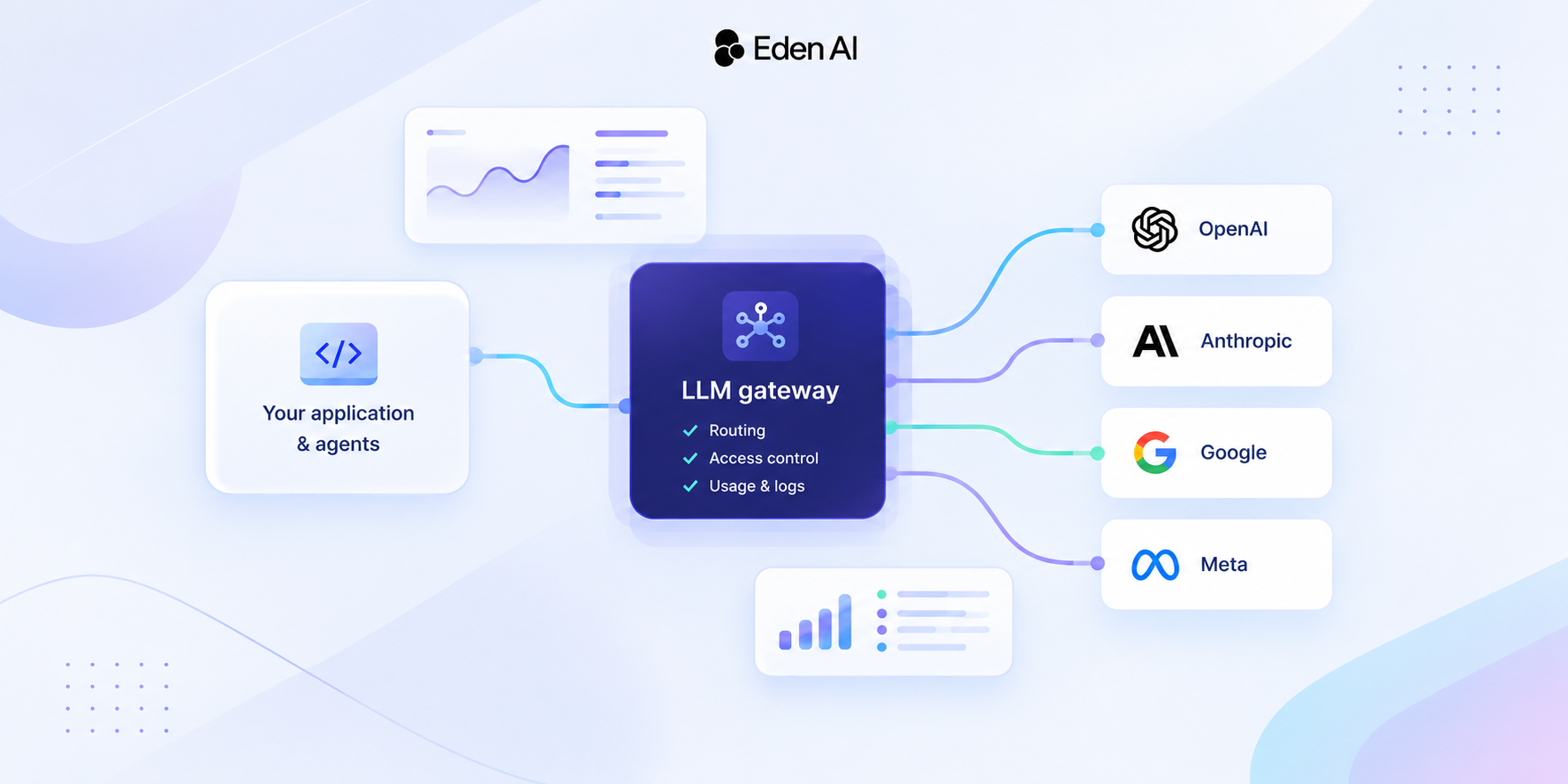
Eden AI routes your requests to any provider through one endpoint. Caching works automatically for OpenAI. For Claude, add cache control markers:
import os, urllib.request, json

headers = {
    "Authorization": "Bearer " + os.environ["EDENAI_API_KEY"],
    "Content-Type": "application/json"
}

# Claude with explicit cache control on the system prompt
payload = json.dumps({
    "model": "anthropic/claude-sonnet-4-6",
    "messages": [
        {
            "role": "system",
            "content": "Your 5000-token system prompt here...",
            "cache_control": {"type": "ephemeral"}
        },
        {
            "role": "user",
            "content": "Dynamic user question"
        }
    ],
    "max_tokens": 1000
}).encode()

req = urllib.request.Request(
    "https://api.edenai.run/v3/chat/completions",
    data=payload, headers=headers, method="POST"
)

with urllib.request.urlopen(req) as resp:
    result = json.loads(resp.read())
    # Check usage for cache hit/miss metrics
    usage = result.get("usage", {})
    print(f"Cache read tokens: {usage.get('prompt_cache_read_tokens', 0)}")
    print(f"Cache miss tokens: {usage.get('prompt_cache_miss_tokens', 0)}")
Decision Framework: Which Caching Strategy?
Choose Claude caching when:
- You have a stable system prompt (changes less than once per day)
- Your traffic is at least 2 calls per 5 minutes (keeps the cache warm)
- You want maximum savings (90%) and are willing to structure prompts explicitly
Choose OpenAI auto-caching when:
- You want zero setup and automatic savings
- Your prompts naturally have consistent prefixes
- 50% savings is good enough for your use case
Choose Gemini context caching when:
- Your prompts are 32K+ tokens (large reference documents)
- You reuse the same context for hours or days
- 75% savings on large prompts makes a meaningful difference
Advanced: Multi-Provider Caching Strategy
The smartest teams use different caching strategies per provider and route traffic based on the workload:
- High-volume classification: Claude with cached system prompt (90% off, 100+ calls/min)
- Conversational AI: OpenAI with auto-caching (50% off, consistent conversation prefixes)
- Document analysis: Gemini with context caching (75% off, large static documents)
Eden AI lets you implement this routing through one API. Set fallbacks so that if your primary provider's cache misses, the request falls through to a backup.
Conclusion
Prompt caching is the single highest-ROI cost optimization available for LLM APIs in 2026. Claude offers 90% off cached reads, OpenAI gives 50% off automatically, and Gemini provides 75% off for large prompts. Structure your prompts with static prefixes, track cache hit rates, and route workloads to the provider with the best caching economics.



![[AUTO-DRAFT] Building an AI Document Processing Pipeline with OCR, NER, and Translation](https://cdn.prod.website-files.com/61e7d259b7746e3f63f0b6be/6a71eae9742e109df72e66d0_6a71eae854310319001ae125_building-an-ai-document-processing-pipeline-with-ocr-ner-and-translation--icone.png)