Summarize this article with:
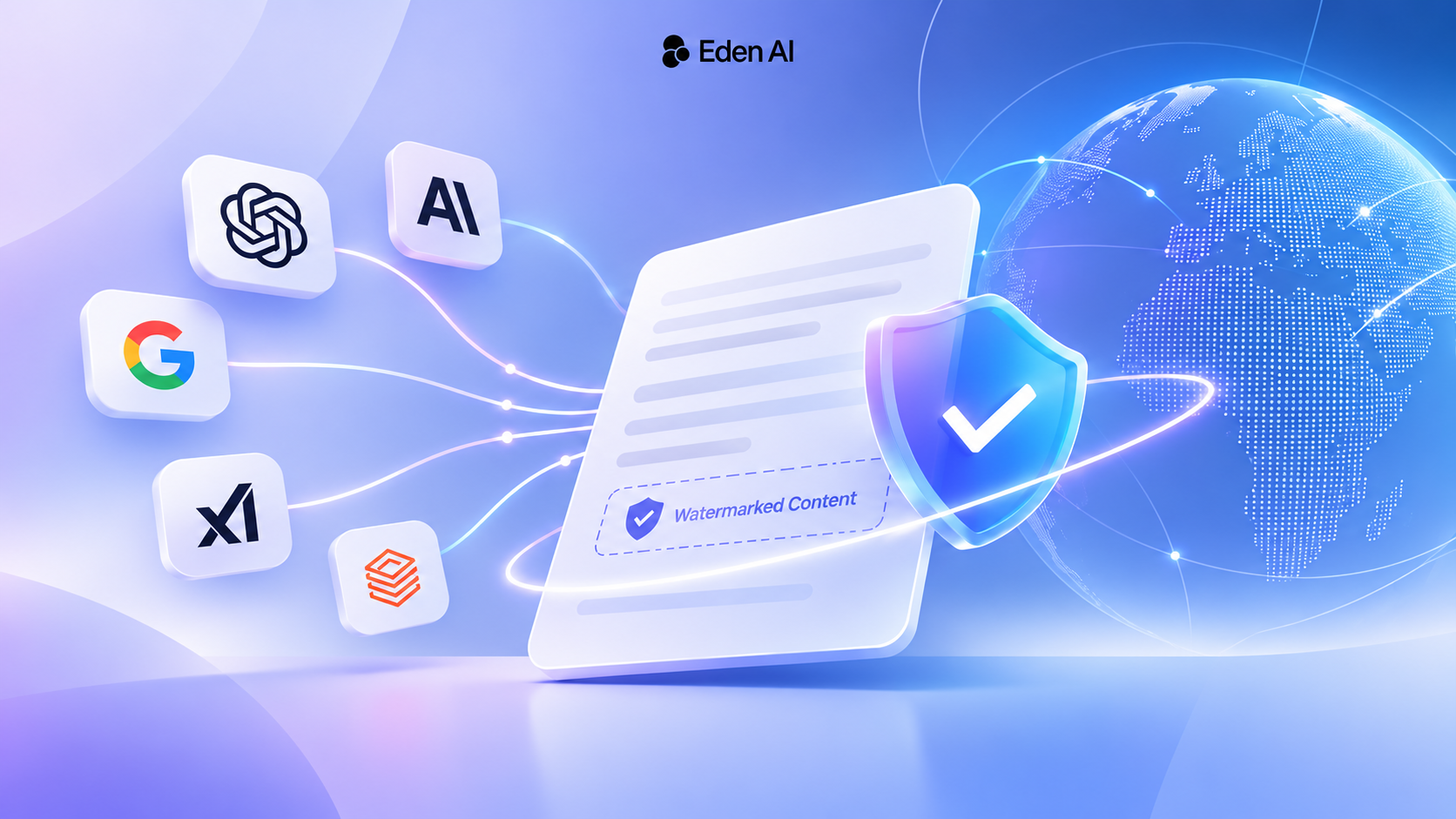
OpenAI, Anthropic, xAI and Google now watermark AI-generated text, each in its own way. This guide explains which LLM APIs mark their output, why the same model can come back marked or unmarked depending on who serves it, and how to watermark models that don't do it themselves.
Three major LLM providers changed how they mark generated text within five weeks. On October 5, 2026, OpenAI let API customers worldwide opt in to its textGrain watermark. On November 3, Anthropic extended Claude's text watermark to four older models. On November 7, xAI turns watermarking on by default for seven Grok models. Google, meanwhile, has confirmed that text from the Gemini API already carries a SynthID watermark.
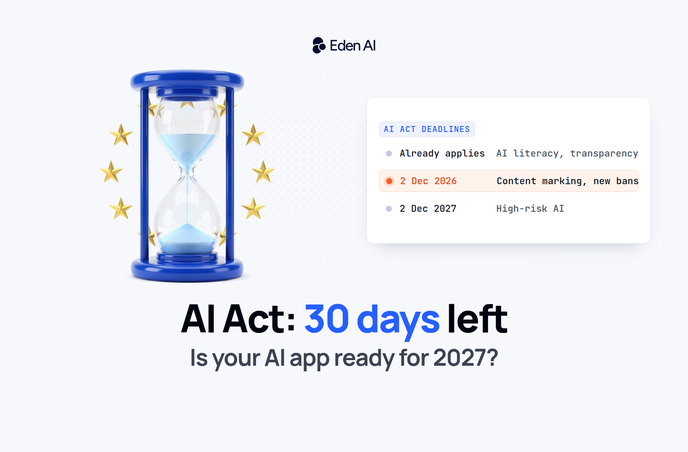
The trigger is the EU AI Act. Its machine-readable marking rule has applied since August 2, and generative AI systems that were already on the market before that date have until December 2 to comply.
For developers, the less obvious consequence is this: the model name no longer tells you whether a response is watermarked. The model version, the provider serving it, account settings and generation settings all play a part. When several providers can answer the same request, as they can behind an AI gateway, two calls to the same model can come back with different provenance.
This guide explains how text watermarks work, which LLM APIs mark their output today, why routing changes the picture, and how to watermark models that don't do it themselves.
What is an AI text watermark?
An AI text watermark is a statistical signal hidden in the word choices of generated text. It isn't a visible label or a metadata field, and it adds no hidden characters: the text reads exactly as it would without it.
At each step, a language model usually has several plausible next tokens. A watermarking algorithm uses a secret key to steer which of those good options gets picked. Over a few hundred tokens, these choices form a pattern that a detector holding the same key can test for. Without the key, the pattern is indistinguishable from ordinary variation.
The implementations differ in their details. OpenAI's textGrain combines keyed randomness with what it calls entropy-calibrated sampling. Google DeepMind's SynthID-Text adjusts token probabilities with a pseudorandom function, and Anthropic uses a version of it for Claude. The native option in vLLM uses Gumbel-max sampling. The principle is the same in all of them.
Two practical consequences follow. First, only someone holding the key can run detection, so checking a watermark usually means going through the provider or an approved access program. Second, the signal grows with length and with how much freedom the model has in its word choices. OpenAI reports detecting textGrain in about 80% of 200-token passages and 95% of 400-token passages on psychology questions, at a 1% false-positive target, with substantially lower rates for mathematics.
What a watermark can and can't prove
A detected watermark is evidence that the text was generated or processed by a particular model at some point. It says nothing about who sent the request, who owns the content, whether it's accurate, or how much a person edited it afterwards.
The absence of a watermark proves even less. The text may come from an unsupported model, from an account where watermarking was off, or from a passage too short or too heavily edited to carry the signal. In a separate OpenAI robustness test on 400-token passages, replacing 10% of the words with synonyms dropped detection from about 92% to 66%, and replacing 25% dropped it to 17%.
A watermark is a provenance signal, not a verdict on authorship.
Who has to mark AI-generated text?
Under Article 50(2) of the EU AI Act, providers of generative AI systems must mark their output in a machine-readable, detectable format. The duty sits with the provider of the AI system, meaning the company that ships the product. It doesn't stop with the company that trained the model.
The Commission's guidelines on Article 50 let that company rely on marking applied by its model provider. It still answers for the result, though, so it must be able to show that the marking is actually applied to its outputs and can be detected. That's why knowing which provider served each request matters, as the rest of this guide shows.
There are exceptions, including systems that only assist with standard editing or don't substantially alter the input. This is the "exception under the law" that xAI asks administrators to confirm before opting out.
The rule has applied since August 2, 2026. Systems already on the market before that date have until December 2, 2026. Visible labels, which are a separate obligation on deployers, are covered in our guide to EU AI Act labelling rules, and the full calendar is in AI Act: 30 Days Before the Next Deadline.
This guide covers the technical side. Whether and how Article 50 applies to a specific product is a question for your legal team.
Which LLM providers watermark their text?
Four major providers have now announced text watermarking, each with different defaults, controls and detector access. The comparison below reflects public documentation as of November 4, 2026, and covers text only, not images, audio or video.
OpenAI: off by default for API customers
OpenAI announced its approach to EU text provenance on October 5. API customers anywhere can turn on textGrain for select models, at project or organization level, but it stays off until they do.
ChatGPT and Codex are a separate case. OpenAI is watermarking eligible text from both in the EU by default, rolling out over several weeks. That consumer default doesn't carry over to API requests, so a team calling the API with standard settings gets unmarked text. Detector access is limited to approved researchers and expert organizations.
Anthropic: on by default, rolled out model by model
Claude's text watermark is on with no opt-out, and Anthropic adds it model by model. Newer models such as Opus 5.5 carried it from launch. On November 4, Anthropic began watermarking text from four older models on its own API: Mythos 5, Opus 4.7, Opus 4.6 and Sonnet 4.6. Its customer email, reported by Mashable, says the Amazon Bedrock rollout may take a few more days. Opus 4.5, Sonnet 4.5 and Haiku 4.5 weren't on that list.
Anthropic's help center page "How Claude marks AI-generated content" lists coverage per model and per surface: Anthropic's own API and apps, AWS, Google Cloud and Microsoft Foundry. It also lists Content Credentials for generated files, which is a separate signal from the text watermark. Detection is in private preview for approved organizations.
xAI: on by default for seven Grok models
According to xAI's output watermarking documentation, text from Grok 4.7, 4.6, 4.5 and 4.3, plus the three Grok 4.20 variants (reasoning, non-reasoning and multi-agent), carries a watermark from November 7, 2026. It applies on xAI's global and regional endpoints and covers plain text, structured outputs and tool call arguments.
Team administrators can opt out per model in the SpaceXSI Console, but only after confirming that a legal exception applies and that their team takes responsibility for marking. Some models may be locked on.
Two details stand out. Each marked response carries an x-watermark: true header, which gives per-request proof when you call xAI directly. And older models such as Grok 4.1 Fast, Grok 4, Grok 3 and Grok Code Fast aren't on the list, so their output stays unmarked even on xAI's own API.
Google: SynthID in Gemini API text
Google has watermarked text in the Gemini app with SynthID since 2024. For the API, the clearest statement comes from Google's developer forum. A staff member first said Gemini API text wasn't watermarked, then corrected it two weeks later: text from the Gemini API and Google AI Studio is SynthID-watermarked.
Two questions remain open. The thread doesn't say whether Gemini on Vertex AI behaves the same way, and Google offers no public detector for text. A forum reply is also a thinner basis than product documentation, so teams relying on it for compliance should get written confirmation.
Mistral, Meta and other hosted models
We found no documented text watermark for Mistral, Meta or most other hosted providers as of November 4. Treat that as a gap to close with the provider, not as proof that the output is unmarked.
Same model, different provider: why the route matters
Most popular models are sold by several providers: the model maker's own API, cloud platforms such as Amazon Bedrock and Google Vertex AI, and independent inference providers. A watermark announced by the model maker doesn't automatically apply on every one of them.
Claude Opus 4.7 shows this well. As of November 4, its text is watermarked on Anthropic's API, while the Bedrock rollout is still a few days away and other platforms haven't been listed yet. Two requests for the same model on the same day can return text with different provenance.
Four things decide whether a given response carries a watermark.
1. The model version. Watermarking usually arrives with new releases and reaches older ones later, if at all. Grok 4.7 is covered while Grok 4 isn't.
2. The provider serving the request. xAI's documentation covers xAI's own endpoints, yet Grok 4.7 is also sold through Amazon Bedrock and Databricks. Anthropic lists cloud coverage model by model. A route that the model maker doesn't mention is a route you need to verify.
3. The account settings. OpenAI's API watermark is switched on per project or organization, and xAI's is managed per team. When a reseller or gateway calls the provider with its own keys, its account settings apply. With your own keys, yours do.
4. The generation settings. In self-hosted setups, some requests can't carry a watermark at all, such as deterministic decoding in vLLM (covered below). Hosted providers haven't published similar limits, so don't assume either way.
Data residency adds a further check. Routes chosen to keep processing in Europe are often cloud platforms rather than the model maker's own API. Residency and watermark coverage are two separate questions, and both need an answer for the route you actually use.
How to watermark models that don't do it themselves
If you serve an open-weight model yourself, nobody marks its output unless you do. The good news is that this no longer means building a watermark from scratch. There are two practical options: native watermarking in vLLM, and Google's SynthID-Text through Hugging Face Transformers.
Native watermarking in vLLM
vLLM added native text watermarking in September 2026. It's off by default and switched on when the server starts:
vllm serve YOUR_MODEL \
  --watermark-config '{"algorithm":"gumbel","key":42,"enforce":true}'
The key 42 comes from vLLM's documentation and is only a placeholder. In production, use a secret key and store it like any other credential.
The vLLM watermarking documentation is worth reading in full. These points matter most:
- Request opt-outs: clients can send
watermarking: falseto skip the watermark. Settingenforceoverrides those opt-outs. - Requests that can't be marked: greedy decoding (
temperature=0),top_k=1and beam search run without a watermark, even withenforceon. vLLM logs a warning the first time it happens. - Weaker signal: structured outputs and tool grammars constrain word choices, which leaves less room for the signal.
- Engine requirement: watermarking currently works only with vLLM's Model Runner V2.
- Coverage monitoring: a Prometheus counter,
vllm:watermark_requests_total, splits finished requests intowatermarked,skippedandnot_watermarked. That gives you a measurable record of coverage.
Detection is a separate step. The detector works on token IDs and needs the same tokenizer, algorithm and key used for generation:
from transformers import AutoTokenizer
from vllm.v1.watermarking import GumbelWatermarkDetector

tokenizer = AutoTokenizer.from_pretrained("YOUR_MODEL")
token_ids = tokenizer.encode(text, add_special_tokens=False)

result = GumbelWatermarkDetector(key=YOUR_SECRET_KEY, prf="philox").detect(token_ids)
print(result.p_value, result.is_watermarked)
Before relying on is_watermarked, vLLM recommends measuring the false-positive rate on your own unwatermarked traffic. Also keep the detector internal or rate-limited, because repeated queries to it can help someone learn how to remove or imitate the signal. SynthID-Text support in vLLM is planned but not implemented yet.
SynthID-Text with Hugging Face Transformers
Google has open-sourced SynthID-Text, and Hugging Face Transformers ships it as a logits processor. You configure it with secret keys and an n-gram length, which trades detectability against robustness to edits, and it works with any compatible model without retraining. Detection again requires the same keys.
Transformers suits batch jobs and smaller deployments. For high-throughput serving, vLLM's native option is the more practical choice today. If you already serve a model such as Aleph Alpha's Kolibri with vLLM, adding a watermark is a configuration change rather than a new system.
What running your own watermark involves
Self-hosting gives you control, and with it the responsibilities a provider would otherwise carry:
- Keys: keep them secret, rotate them, and record which configuration served which period. The detector has to test text against every configuration you've used.
- Detection: decide who can check text and how, since the marking also has to be detectable.
- Testing: check detection on realistic outputs, covering different lengths, languages and editing.
- Documentation: record the gaps, such as greedy requests and short answers, so nobody treats a missing watermark as proof of human authorship.
Keeping control of the route with Eden AI
Eden AI gives access to models from many providers through one OpenAI-compatible API. When you name a model without a provider, provider routing picks who serves it: by default it favors cheaper providers, and it fails over to another provider if one is down. That's useful for cost and uptime. For features that depend on a watermark, it means the route has to be set explicitly.
In the Eden AI catalog, for example, Claude Opus 4.7 is available from Anthropic, Amazon Bedrock, Google Vertex AI, Databricks and DeepInfra. Grok 4.7 is available from xAI, Amazon Bedrock and Databricks. As the previous section showed, those routes don't share the same documented watermark coverage.
Pin the provider. Naming a concrete provider/model, such as anthropic/claude-opus-4-7, turns routing off for that request. It goes exactly where you sent it.
Restrict the providers. When you want to keep routing for a bare model name, routing.allowed_providers limits it to providers you've checked. Every other provider is excluded, including from failover, and the request fails with a clear error rather than going elsewhere.
Control the fallbacks. routing.allow_fallbacks: false stops failover to other providers of the same model. Models you list in fallbacks are always tried, so list only routes you've verified. You can save the whole setup as a routing policy and apply it to every call made with an API key.
Record the route. Send the x-edenai-metadata: enabled header and the response includes an edenai_metadata block. As described in the request metadata documentation, it shows every provider tried, the one that served the request, its region and whether your own key was used. Store it with the generated content.
Here is all of it in one request:
import os
from openai import OpenAI

client = OpenAI(
    base_url="https://api.edenai.run/v3",
    api_key=os.environ["EDENAI_API_KEY"],
)

response = client.chat.completions.create(
    # Pinned: always served by Anthropic's own API
    model="anthropic/claude-opus-4-7",
    messages=[{"role": "user", "content": "Summarize the following technical report."}],
    extra_headers={"x-edenai-metadata": "enabled"},
    extra_body={
        # If Opus 4.7 fails, fall back to Sonnet 4.6, also pinned to Anthropic
        "fallbacks": ["anthropic/claude-sonnet-4-6"],
    },
)

# Store this record next to the generated text
meta = response.model_dump().get("edenai_metadata") or {}
print(meta.get("strategy"), meta.get("summary"))
for attempt in meta.get("attempts", []):
    print(attempt["provider"], attempt["model"], attempt["status"], attempt.get("region"))
A few things are worth knowing about how this works today:
- Eden AI doesn't add, remove or verify watermarks. The text arrives as the provider generated it.
- Account settings depend on whose keys are used. Through Eden AI's own provider accounts, each provider's default watermark settings apply. With BYOK, your own provider account settings apply, so you can opt in to OpenAI's watermark yourself. BYOK providers can be mixed with Eden AI-billed providers in routing, so pin or restrict the provider if a request must stay on your account. The
is_byokfield confirms which key was used. - EU routes differ from direct ones. The EU endpoint routes only through providers cleared for European processing. For Claude, that means the EU regions of Bedrock, Vertex AI or Databricks rather than Anthropic's own API, so check Anthropic's coverage table for those routes.
Watermark detection versus AI-text detection
The two are often confused, but they answer different questions.
A watermark detector asks whether a text carries the signal from a specific provider's key. On long, unedited passages it's reliable, but it only recognizes that provider's supported models.
An AI-text detector asks whether a text reads like AI writing. It works on any text from any model, but its answer is a probability estimate based on writing patterns, not verification of a signal.
Eden AI's AI detection API belongs to the second group, so it can't confirm a textGrain, Claude, SynthID or Grok watermark. The two work well together: the watermark as a provenance signal where one exists, AI detection as a screening signal everywhere else. Neither proves who wrote a text.
A checklist before December 2
- List your text features. Note every feature that generates text for users, and whether it launched before or after August 2.
- Map the exact route. For each feature, record the model version, the provider, the region and every fallback.
- Check coverage per route. Confirm in the provider's documentation that this model on this route is watermarked, and note the date you checked.
- Check account settings. Find out whether watermarking is on, opt-in or managed per project or team, and whose account the request runs on.
- Lock the route. Pin or restrict providers for features that need a watermark, and keep only verified fallbacks.
- Record the route. Store the provider that served each request alongside the content.
- Cover the gaps. For self-hosted models or unmarked routes, add your own watermark and a way to detect it.
- Test and document. Check detection on realistic outputs, write down the limits, and review the setup with your legal team.
Conclusion
Text watermarking moved from research into production within a few weeks, but unevenly. OpenAI's API watermark is opt-in, Anthropic's and xAI's are on by default, Google has confirmed one for the Gemini API, and most other providers haven't documented anything yet. Teams that serve open-weight models can now add their own with vLLM or SynthID-Text.
The practical lesson is that a watermark belongs to a route, not to a model name. Applications that use several providers, directly or through a gateway, need to make their provenance requirements explicit. In practice, that means pinning or restricting providers, keeping fallbacks verified, and recording which provider served each request.
Knowing which model wrote a text is no longer enough. You need to know which route served it, how it was configured, and who can verify the result.
FAQ
Further reading
Original research
- A Watermark for Large Language Models (Kirchenbauer et al., 2023): the "green list" method most later schemes build on.
- Scalable watermarking for identifying large language model outputs (Dathathri et al., Nature, 2024): the SynthID-Text paper, also the basis of Claude's watermark.
- Scott Aaronson's talk on Gumbel-max watermarking: the idea behind vLLM's default algorithm.
- Watermarks Without Verification: AI Text Watermarking After the EU AI Act (2026): an evaluation of text watermarking under the new rules.
Provider documentation
- OpenAI: Our approach to EU text provenance rules
- Anthropic: How Claude's text watermark works
- xAI: Output watermarking
- Google DeepMind: SynthID
- vLLM: Watermarking in vLLM and the text watermarking documentation
Regulation
- European Commission: Transparency obligations under Article 50
- Commission guidelines on Article 50 (PDF)
On the Eden AI blog and docs