Summarize this article with:
For decades, interfaces were built for eyes and hands. In 2026, more and more of that work is done by AI agents acting for people. Here is what changes, and how to build for both.
A recent launch on Product Hunt caught our eye: Shelter41, a service that runs coding agents in the cloud, each on its own isolated machine, so they keep working after you close your laptop. You follow and manage them from the web, from a command line or from an SDK.
What interests us here is its range of entry points. The web dashboard is for the person who checks in on the work. The CLI and the SDK are for scripts, and more and more often for other agents. For decades, designing software meant one thing: a screen that a person looks at and clicks. That person is no longer the only user worth designing for.
This shift has a name: agent experience, or AX. This article looks at what changes when the user is an AI agent, the building blocks that have emerged by 2026, and how to make a product that both people and their agents can use.
The user is not always a person anymore
Traffic data points the same way. In HUMAN Security's 2026 State of AI Traffic & Cyberthreat Benchmark Report, monthly AI-driven traffic grew 187% between January and December 2025, and traffic from agents that navigate and act on the web grew 7,851% year over year. The report also sees agents on checkout pages: 2.3% of the agentic activity it observed happened there.
These figures come from the traffic one security vendor observes, and the agentic figure is growth from a small base, not a share of all web traffic. But the direction is clear: AI systems are moving from reading the web to acting on it.
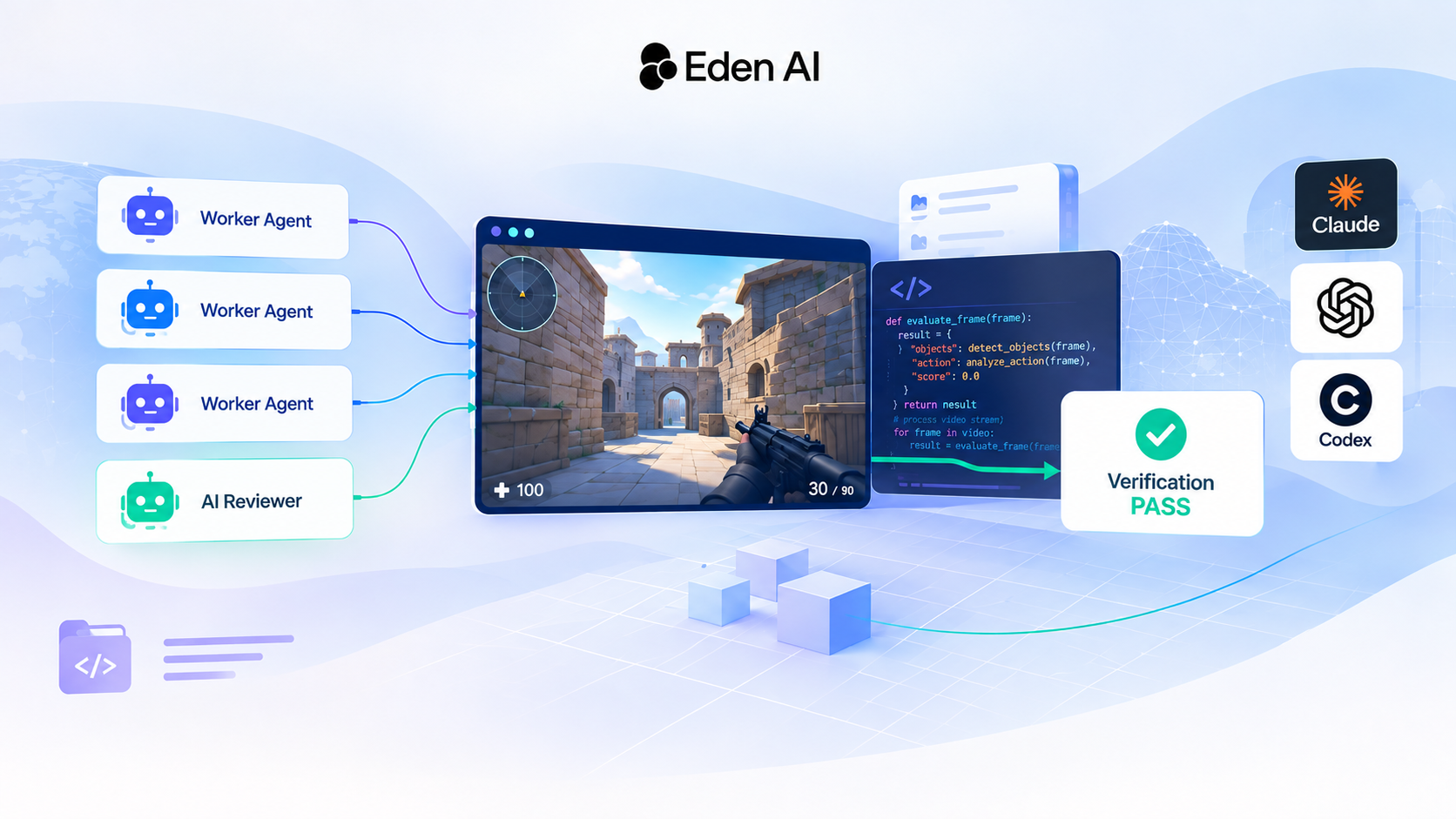
Developers saw the same shift earlier. Coding agents such as Claude Code, Codex CLI and Gemini CLI started in the terminal, because a model reads and writes text and a command line is text in, text out. Now they increasingly run in the cloud, away from the developer's laptop. Once agents run for hours on their own, the screen stops being where the work happens and becomes where people check on it.
UI vs AX: what changes when the user is an agent
The term agent experience borrows from user experience (UX) and developer experience (DX). It describes how easily an AI agent can find information, understand what it can do and complete tasks on a service on its own. In practice, most of what a good UI does has an agent-side equivalent:
| Built for people (UI) | Built for agents (AX) | |
|---|---|---|
| Finding things | Menus, a search bar, visual hierarchy | An index such as llms.txt, a list endpoint |
| Reading content | HTML pages with layout, images and navigation | Structured content: Markdown, JSON or well-labelled HTML |
| Taking action | Buttons and forms | Tools with a name, a description and a JSON Schema |
| Getting started | Sign-up flow, onboarding tour | Clear authentication and one documented first call |
| Errors | A red message on screen | A structured error that says what to change |
| Trust | Brand and visual cues | Explicit permissions, confirmations and logs |
| Cost of bad design | A frustrated user who leaves | Wasted tokens, retries and wrong actions |
The last row is the one teams tend to miss. A confusing screen slows a person down. A confusing interface makes an agent read more, retry and pick the wrong action, and every extra model call adds latency and cost. For agents, interface quality has a price.
The building blocks of agent-ready software
No single standard covers AX. What exists is a set of building blocks, each answering one row of the table above.
llms.txt and Markdown docs
llms.txt, proposed by Jeremy Howard of Answer.AI in 2024, is a Markdown file, usually at the root of a site, that lists the pages that matter, each with a one-line description. It is a sitemap written for a language model rather than a crawler. Many documentation sites now go further and publish a Markdown version of every page, so an agent can read the content without parsing a layout.
Markdown on request
Some sites go further and serve Markdown on request: a client that sends an Accept: text/markdown header gets the same URL back as Markdown, with navigation, scripts and styles stripped. Some hosting and documentation platforms can now do this conversion automatically. Same URL, two representations: one for people, one for agents.
MCP: actions as tools
The Model Context Protocol, introduced by Anthropic in November 2024, turns a product's actions into tools that any compatible agent can discover at runtime. Each tool has a name, a description and a JSON Schema for its inputs, which is the agent-side equivalent of a well-labelled button. Tool design matters as much as button design: tool definitions sent with a request take up the model's context, so a bloated tool list adds tokens to every call unless the client loads tools on demand. We covered this in detail in MCP Token Costs: You Pay for the Tools Your Agent Never Calls.
WebMCP: tools inside the web page
WebMCP brings the same idea to websites. It is a proposed web standard that lets a page declare its own tools, such as checkout or filter_results, with JSON Schemas for inputs and outputs. Instead of guessing what a button does from the page structure, the agent calls the tool the site declared. Google's documentation calls this more reliable than having the agent click through, and notes that tools run visibly on the page and can ask the user to confirm a sensitive action. It is still early, so expect it to evolve.
CLIs and SDKs as first-class interfaces
Many products now ship three entry points: the web for people, a CLI and an SDK for everything else. A command line that agents can use well has predictable commands, machine-readable output such as a --json flag, and no interactive prompts that block a script. None of this is new, but agents turn good practice into a requirement.
Computer use: the fallback
When none of the above exists, an agent can still use the human interface: take a screenshot, guess where to click, check the result, repeat. This is what computer use APIs do. It works where no API exists, which is its strength, but for the same task it tends to be slower, more costly and less reliable than a structured interface. A product that offers a proper agent interface gives its users a more direct path.
People do not leave, they move up a level
None of this makes human interfaces obsolete. An agent acts on behalf of a person, not as a user in its own right.
What changes is the job of the screen. When the agent does the clicking, the person's interface becomes a place to supervise: what did the agent do, why, how much did it cost, and how do I undo it? A commenter on that Product Hunt launch put it plainly. Before trusting a cloud agent with bigger tasks, the commenter wants "a clear record of what it changed and why, plus an easy way to roll it back when it goes sideways."
Logs, diffs, approvals, budgets and confirmation dialogs are the UI of the agent era. They matter more, not less, when the work happens without anyone watching.
Checklist: is your product agent-ready?
- Publish an llms.txt and a Markdown version of your documentation.
- Serve agents structured content, such as Markdown or JSON, alongside your HTML.
- Expose your key actions as tools with clear names, descriptions and JSON Schemas, through MCP or WebMCP.
- Keep the tool list short, and check how your agent client loads tool definitions.
- Make the path from sign-up to first successful call short: clear authentication, one working example.
- Return structured errors that tell the agent what to change.
- Offer a CLI or SDK with machine-readable output and no interactive prompts.
- Expose your public prices and limits through the API, so an agent can choose and stay within a budget.
- Ask a human to confirm sensitive actions, and keep an audit log of what agents do, without storing secrets.
How we approach it at Eden AI
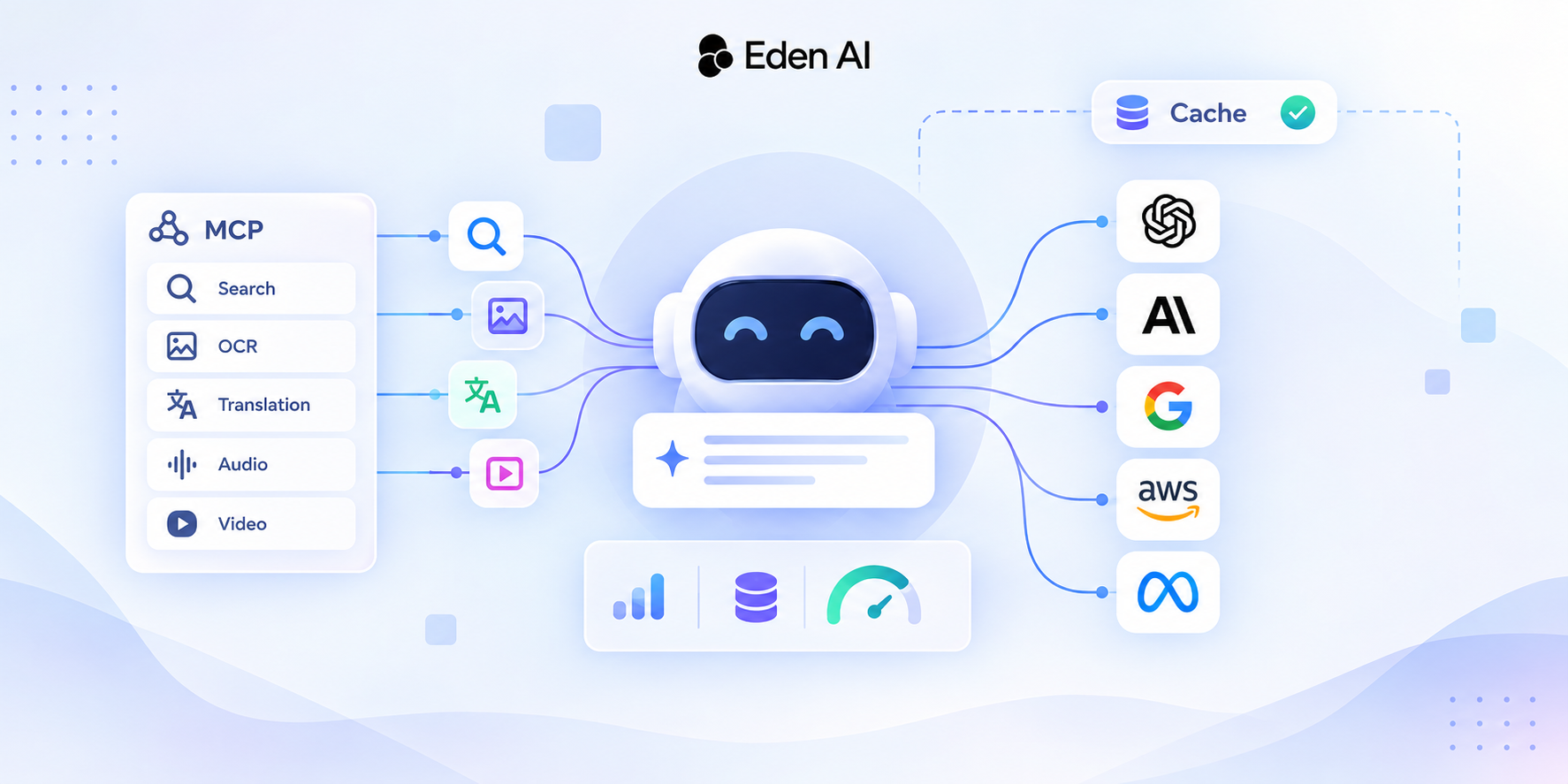
Eden AI is an API, so it has served programs from day one. Agents are a particular kind of program, though: they read the documentation themselves, choose their tools at runtime, and every step they take has a cost. Here is what we provide for them today:
- An llms.txt for the site and one for the documentation, where every page is also available in Markdown.
- A hosted MCP server that exposes our expert models (OCR, web search, speech, translation and more) as tools with JSON Schemas, plus a
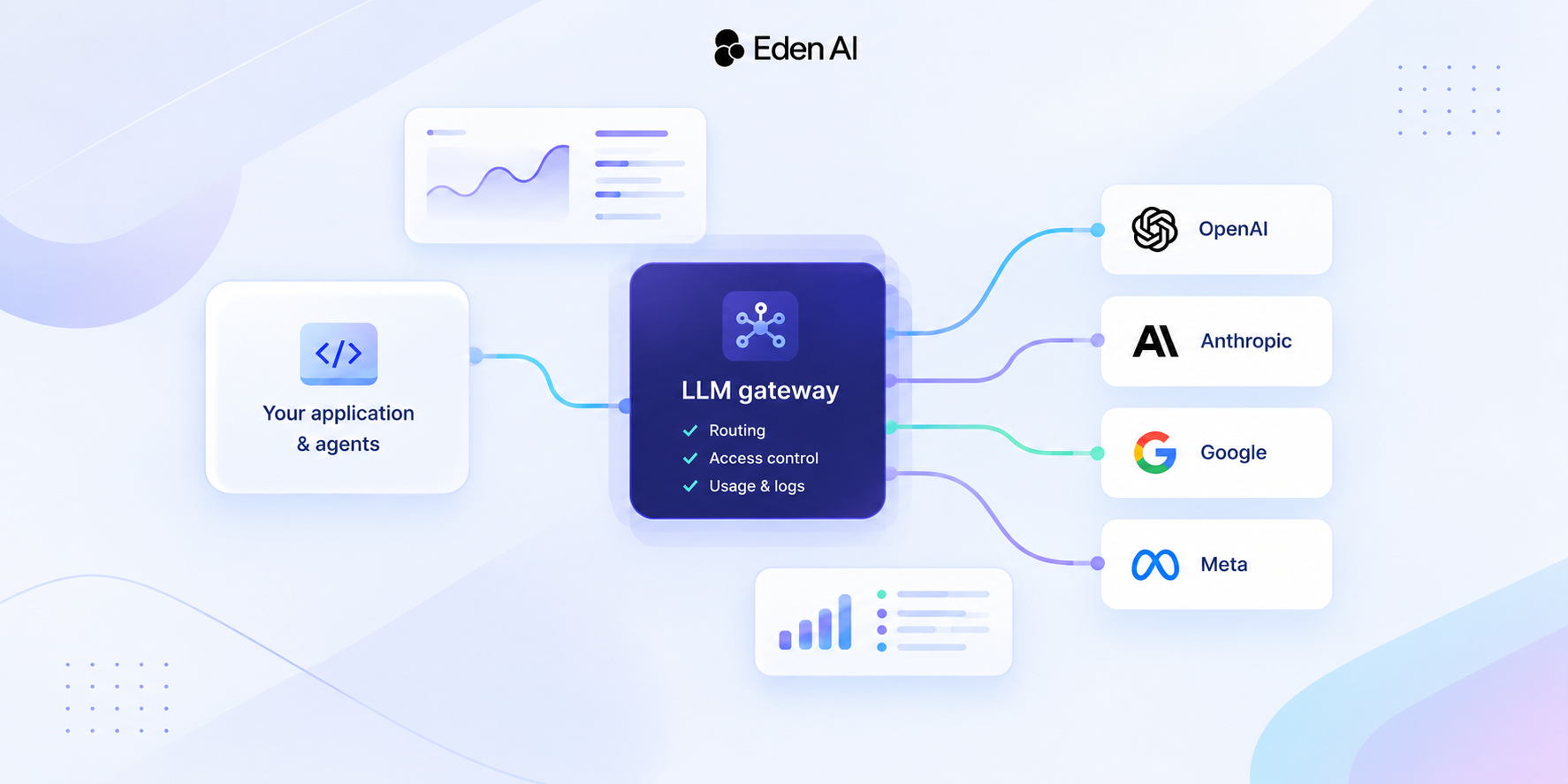
list_modelstool that returns providers, models and prices at runtime. - OpenAI-compatible and Anthropic-compatible chat endpoints and a Perplexity-compatible search API, so the clients agents already use can connect by changing a few settings, as described in our setup guides.
- A web scraping API that returns a page as clean Markdown, ready for a model to read.
- Setup guides for the main coding agents, including Claude Code and Codex CLI.
For example, one command adds our MCP server to Claude Code, so it can call our expert models as tools with your Eden AI API key. Sending Claude Code's own LLM calls through Eden AI is a separate setup, described in our Claude Code guide.
claude mcp add --transport http --scope user edenai https://mcp.edenai.run/mcp --header "Authorization: Bearer YOUR_EDEN_AI_API_KEY"Interfaces are splitting, not disappearing
The screen is not going away. It is splitting in two: an interface for the people who decide and supervise, and structured entry points for the agents that do the work. Products that design both will be the ones agents can use, and agents increasingly choose tools on behalf of the people they work for.
If you are building agents yourself, the same logic applies in reverse: pick tools and APIs that were designed for them. It will show up in your success rate and in your bill.
FAQ
What is agent experience (AX)?
Agent experience is the experience an AI agent has when it uses a product: how easily it can find information, understand what it can do, take actions and recover from errors. The term borrows from user experience (UX) and developer experience (DX).
Is AX replacing UX?
No. People still decide, supervise and approve, and they need good interfaces to do it. AX adds a second kind of user, and it changes what the human interface is for: less doing the task, more checking what an agent did.
What is the difference between MCP and WebMCP?
MCP is a protocol that lets an agent connect to a server and call its tools, independently of any web page. WebMCP is a proposed web standard that lets a website declare tools inside the page itself, so a browser agent can use them while the user is on the site. Both describe tools with JSON Schemas.
What is llms.txt?
llms.txt is a proposed convention: a Markdown file, usually at the root of a website, that lists its most useful pages with a short description of each. Language models and agents that read it can find the right content without crawling the whole site.
How do I make my API agent-friendly?
Publish clear documentation in Markdown with an llms.txt index, describe your actions as tools with JSON Schemas, return structured errors, expose prices and limits through the API, and keep the path from API key to first call as short as possible. Compatibility with clients agents already use, such as the OpenAI SDK, also reduces integration work.