Summarize this article with:
Many Make users start by connecting their workflows directly to a single AI provider. That works initially, but it creates several limitations:
- Each provider requires a separate account, API key, billing system, and configuration.
- Different providers return different response formats.
- Changing models can require rebuilding parts of the scenario.
- One model may be good for writing but less suitable for OCR, translation, speech, or image analysis.
- Teams can become dependent on one provider’s pricing, availability, and model catalog.
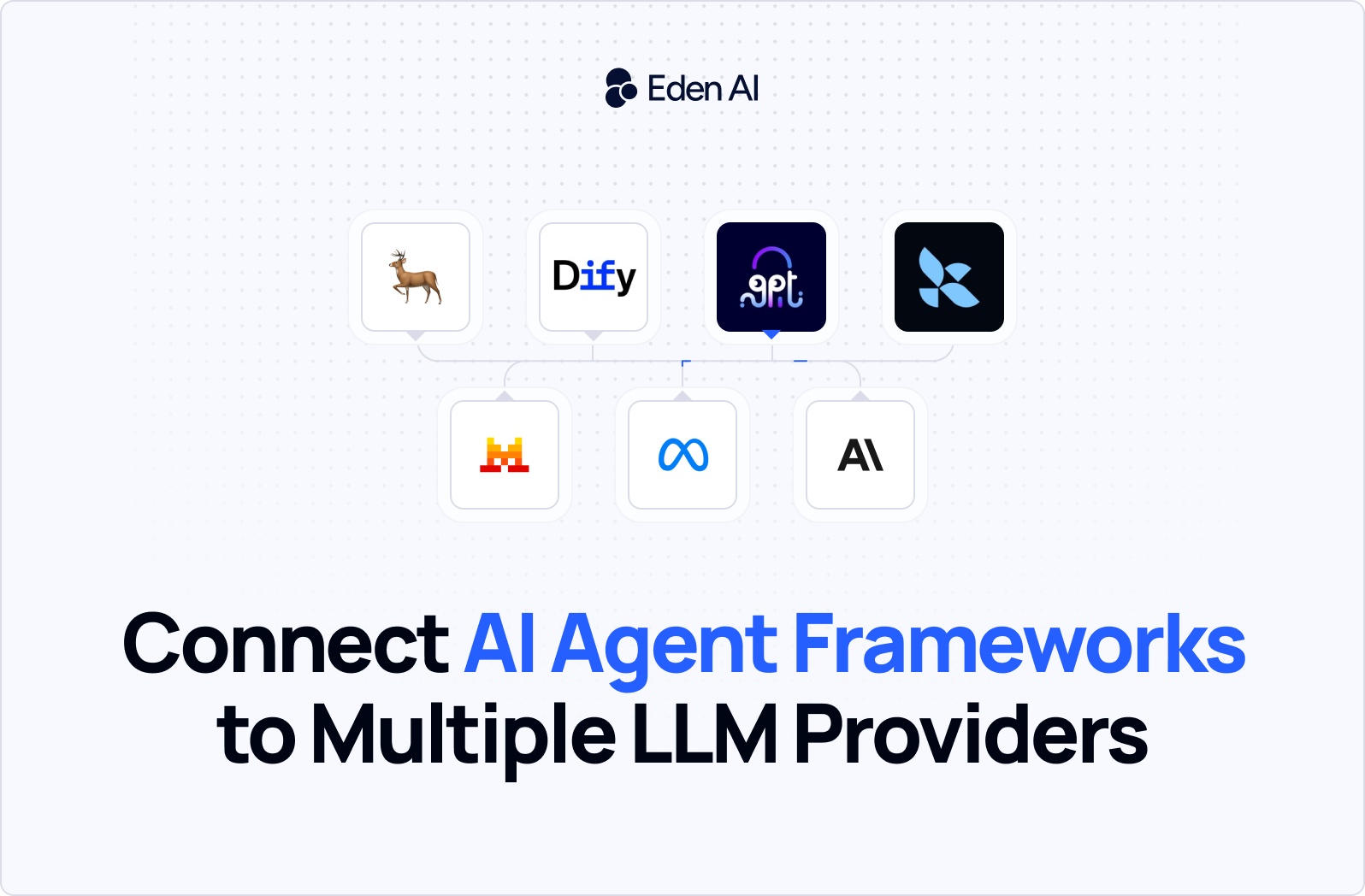
Eden AI solves this by providing a unified interface for LLMs and specialized AI models, with centralized billing and tools for monitoring cost, latency, and errors. Make then connects those AI calls to more than 3,000 apps and services.
What is Make?
Make is a visual automation platform that helps businesses connect applications, data sources, APIs, and AI models to automate workflows. Instead of building every integration with code, users create visual scenarios by connecting modules that represent triggers, actions, filters, and other workflow steps.
A scenario can start when an event occurs, such as a customer submitting a form, an email receiving an attachment, or a new lead being added to a CRM. Make can then process the information, route it according to predefined conditions, and send the results to other business applications.
Make supports more than 3,000 applications, including tools for sales, marketing, customer support, productivity, data management, and communication. When a service does not have a dedicated integration, Make’s HTTP module can connect to any platform that provides an API.
Why connect Eden AI with Make?
Make is designed to automate how data moves between applications, while Eden AI provides the intelligence required to understand, transform, and generate that data. Connecting the two platforms makes it possible to build end-to-end AI workflows without developing a custom backend or managing separate integrations for every AI provider.
Through Eden AI, a Make workflow can access large language models and specialized AI APIs for tasks such as:
One of the main advantages is the ability to choose the most appropriate model for each workflow. A fast, cost-efficient model may be enough for routine classification or data extraction, while a stronger reasoning model may be better suited to technical requests, complex documents, or high-value customer interactions.
For example, a lead-qualification workflow could use an affordable model to extract contact details and categorize standard submissions, then route complex or strategically important leads to a more capable model. Make would handle the routing and CRM updates, while Eden AI would provide access to the selected models through the same integration.
This makes the connection more flexible than using a single AI provider directly. Teams can test different models, compare their results, and adapt the AI layer as their requirements change without redesigning the entire automation.
Step-by-step: Connect Eden AI to Make
Connecting Eden AI to Make allows you to send data from any Make scenario to Eden AI, process it with the model or AI capability of your choice, and reuse the result in the next steps of the workflow.
In our video tutorial, we show how to create the connection, configure the API request, add your Eden AI credentials, select the appropriate endpoint, test the workflow, and map the response into other Make modules.
Watch the full step-by-step video below to learn how to connect Eden AI to Make and start building your first AI-powered automation.
Eden AI and Make automation ideas
Once Eden AI is connected to Make, you can add AI processing to workflows across sales, customer support, finance, content, operations, and data management. Make handles the triggers, application connections, and routing logic, while Eden AI provides access to the models needed for each task.
The most effective setup is not always to use the most powerful model available. Routine tasks such as classification, extraction, or short summaries can often be handled by a fast, cost-efficient model. More complex requests can be routed to a stronger reasoning model when greater accuracy or deeper analysis is required.
1. Intelligent lead qualification
Scenario: Typeform → Make → Eden AI → HubSpot → Gmail or Slack
When a prospect submits a form, Make sends the answers to Eden AI for analysis. The model can extract contact and company information, identify the prospect’s intent, classify the request, assign a lead score, and generate a suggested follow-up message.
Suggested models:
- GPT-4.1 Mini, Gemini 3.5 Flash, or Mistral Small for routine lead extraction and scoring
- Claude Sonnet or a stronger GPT model for complex, technical, or high-value submissions.
Make can then create or update the contact in HubSpot, assign the lead to the appropriate salesperson, notify the team in Slack, and send a personalized email.
2. Multilingual customer-support automation
Scenario: Gmail or help desk → Make → Eden AI → support platform → Slack
Make can detect a new customer message and send it to Eden AI to identify the language, translate the content, classify the request, evaluate its urgency, and generate a draft response.
Suggested models:
- Gemini 3.5 Flash, GPT-4.1 Mini, or Mistral Small for message classification and response generation
- DeepL, Google Cloud Translation, or Microsoft Azure Translator for dedicated translation tasks.
Make can then update the support ticket, assign it to the right team, notify an agent, and send the approved response.
3. Invoice and receipt processing
Scenario: Audio file or call recording → Make → Eden AI → Notion, CRM, or Slack
Make can retrieve a meeting recording, customer call, or voice note and send it to Eden AI for speech-to-text transcription. A language model can then summarize the conversation, extract action items, identify decisions, and generate follow-up notes.
Suggested models:
- Google Cloud Document AI, Amazon Textract, or Microsoft Azure Document Intelligence for extracting invoice fields
- GPT-4.1 Mini, Gemini Flash, or Mistral Small for validating, categorizing, and summarizing the extracted data.
Make can save the summary in Notion, update a CRM record, assign tasks, and notify participants in Slack.
4. Meeting and voice-note processing
Scenario: Audio file or call recording → Make → Eden AI → Notion, CRM, or Slack
Make can retrieve a meeting recording, customer call, or voice note and send it to Eden AI for speech-to-text transcription. A language model can then summarize the conversation, extract action items, identify decisions, and generate follow-up notes.
Suggested models:
- OpenAI Whisper, Deepgram, or Google Speech-to-Text for transcription
- Gemini 3.5 Flash, Claude Haiku, or GPT-4.1 Mini for summaries, decisions, and action-item extraction.
Make can save the summary in Notion, update a CRM record, assign tasks, and notify participants in Slack.
5. Content repurposing
Scenario: YouTube, Google Drive, or CMS → Make → Eden AI → LinkedIn, email, or blog CMS
When a new video, webinar, podcast, or article is published, Make can send the source content to Eden AI. Eden AI can transcribe audio, summarize the original material, generate social posts, create newsletter copy, translate the content, or produce shorter versions for different channels.
Suggested models:
- GPT-4.1, Claude Sonnet, or Gemini 3.5 Flash for long-form content and creative adaptation
- Mistral Small or GPT-4.1 Mini for shorter summaries and high-volume content formatting.
Make can then save the drafts, send them for approval, or publish them to the selected channels.
6. Image classification and moderation
Scenario: Form upload, cloud storage, or e-commerce platform → Make → Eden AI → database or review queue
When a user uploads an image, Make can send it to Eden AI for classification, object detection, logo detection, content moderation, or other computer-vision tasks.
Suggested models:
- Google Cloud Vision, Amazon Rekognition, or Clarifai for specialized image classification and moderation
- GPT-4o, Gemini Vision, or Claude Vision when the workflow requires a more detailed interpretation of the image.
Make can approve the image, assign tags, save the result, or route questionable content to a human moderation queue.

.jpg)