Summarize this article with:
- AI agent frameworks like Deer-Flow (75K GitHub stars), Dify (146K stars), and LangChain (140K stars) all support multi-provider LLM access, but each uses a different configuration pattern.
- Eden AI provides an OpenAI-compatible endpoint at /v3/chat/completions that works as a drop-in replacement for any framework expecting an OpenAI base URL - no SDK changes needed.
- Multi-provider strategies cut LLM costs by 30-60% through smart routing (cheaper models for simple tasks, frontier models for complex reasoning) and eliminate single-vendor outages.
- Fallback configuration ensures your agent keeps running when a provider is down: Eden AI's fallbacks parameter cascades through alternate providers automatically.
- All four frameworks covered here (Deer-Flow, Dify, LangChain, AutoGPT) can connect to Eden AI in under 10 minutes with a single environment variable change.
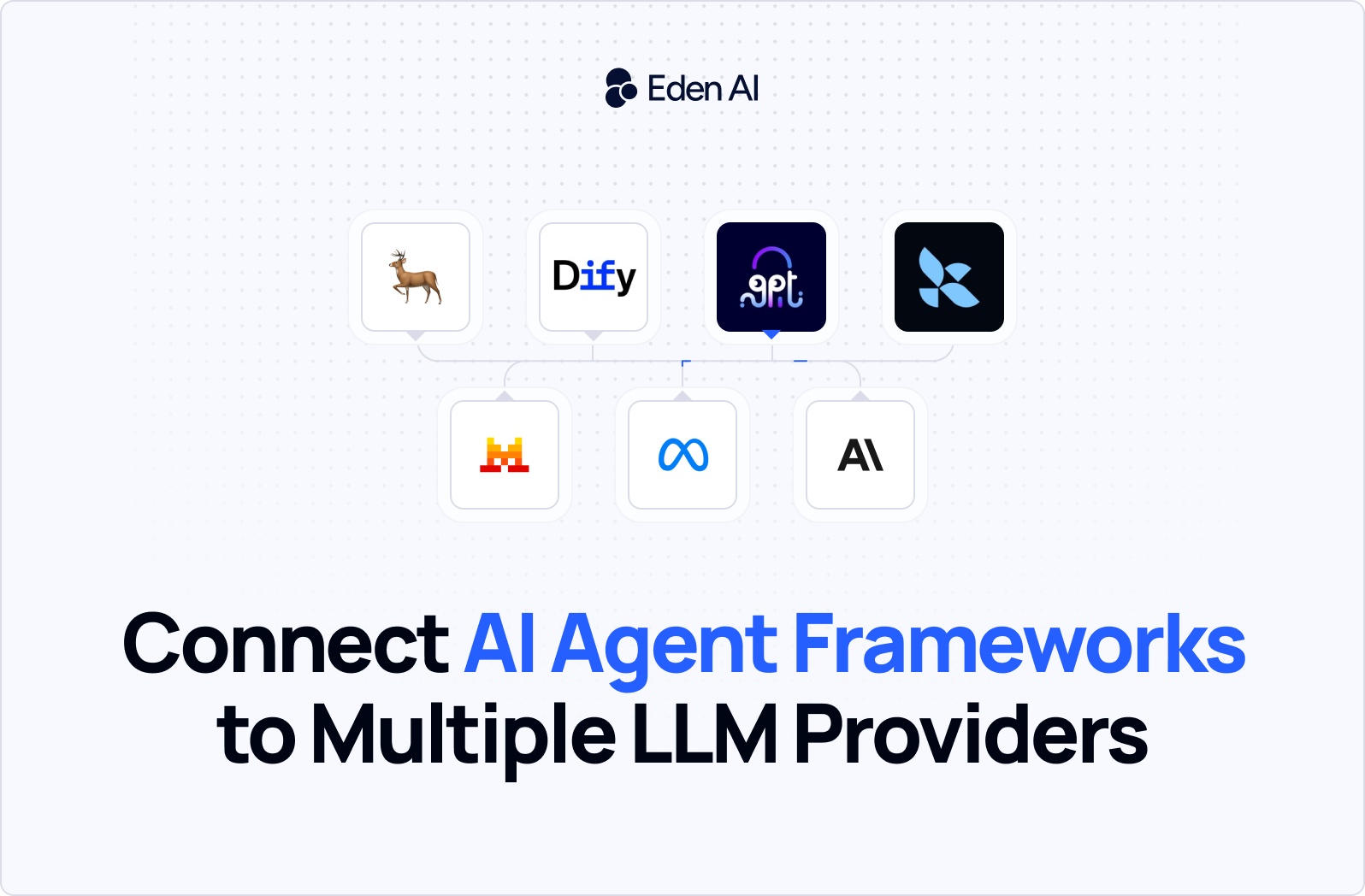
To connect any AI agent framework to multiple LLM providers, point its OpenAI-compatible base URL to EdenAI's endpoint at https://api.edenai.run/v3 and use your Eden AI API key. This single change gives Deer-Flow, Dify, LangChain, and AutoGPT access to 500+ models from OpenAI, Anthropic, Google, Mistral, and dozens more - with automatic fallbacks and consolidated billing.
Why Agent Frameworks Need Multi-Provider Access
Running an AI agent on a single LLM provider creates three problems that compound as your application scales:
- Resilience risk: when your sole provider has an outage or rate-limits you, your entire agent fleet goes down. Multi-provider fallbacks keep agents running through any single-vendor failure.
- Cost inefficiency: routing every task through a frontier model like GPT-4o or Claude Opus is expensive. Smart routing sends simple extraction tasks to cheaper models and reserves frontier models for complex reasoning.
- Capability gaps: no single provider leads in every dimension. Anthropic excels at long-context reasoning, Google at multimodal, Mistral at European data residency. Multi-provider access lets you pick the best model for each agent step.
The four frameworks covered below - Deer-Flow, Dify, LangChain, and AutoGPT - collectively account for over 546K GitHub stars and represent the most popular ways to build AI agents in 2026. All four support OpenAI-compatible endpoints, which makes EdenAI integration straightforward.
The Integration Challenge: Framework-Specific Provider Configs
Each framework has its own way of configuring LLM providers. Deer-Flow uses environment variables in a .env file, Dify uses a visual Model Provider settings panel, LangChain uses Python classes, and AutoGPT uses a combination of .env and config files. The good news: they all ultimately call the same OpenAI-compatible chat completions API under the hood.
EdenAI's /v3/chat/completions endpoint is a drop-in replacement for OpenAI's API. Same request format, same response format, same streaming support. The only differences are the base URL and the model string format (provider/model-id instead of just model-id).
Step-by-Step: Connecting Deer-Flow to EdenAI
Deer-Flow is ByteDance's open-source agent framework built on LangChain and LangGraph. It specializes in long-horizon tasks like research, planning, and code generation. With 75K GitHub stars, it's one of the fastest-growing agent frameworks in 2026.
1. Clone and install Deer-Flow
git clone https://github.com/bytedance/deer-flow.git
cd deer-flow
pip install -r requirements.txt
2. Configure Eden AI as the LLM provider
Open the .env file and replace the OpenAI configuration with Eden AI:
# Deer-Flow .env configuration
OPENAI_API_KEY=your-edenai-api-key-here
OPENAI_BASE_URL=https://api.edenai.run/v3
OPENAI_MODEL=anthropic/claude-sonnet-4-5
Deer-Flow uses the standard OPENAI_API_KEY and OPENAI_BASE_URL environment variables. By pointing the base URL to Eden AI, every LLM call in the agent pipeline routes through Eden AI's gateway.
3. Test the connection
python main.py --task "Research the top 3 European AI startups and write a summary"
Deer-Flow will now use Claude Sonnet 4.5 (via Eden AI) for its planning agent, research agent, and code generation agent. To switch models mid-run, change the OPENAI_MODEL variable to any model in Eden AI's catalog.
Step-by-Step: Connecting Dify to Eden AI
Dify is the most popular low-code AI platform with 146K GitHub stars. It provides a visual workflow builder for AI agents, RAG pipelines, and chatbots. Dify supports custom model providers through its OpenAI-compatible interface.
1. Open Dify Model Provider Settings
In the Dify dashboard, navigate to Settings → Model Provider → Add Provider. Select "OpenAI-API-compatible" as the provider type.
2. Configure EdenAI credentials
Fill in the following fields:
- API Key: Your EdenAI API key
- Base URL: https://api.edenai.run/v3
- Model Name: Any EdenAI model string (e.g., openai/gpt-4o, anthropic/claude-sonnet-4-5, google/gemini-2.5-pro)
3. Add multiple models for different tasks
Dify lets you assign different models to different parts of your workflow. For example:
- Chat model: openai/gpt-4o for conversational responses
- Reasoning model: anthropic/claude-sonnet-4-5 for complex analysis
- Embedding model: Use EdenAI's /v3/universal-ai for embeddings with a different provider
Each model can be added as a separate entry in the Model Provider settings. Dify will use the model you specify for each workflow node.
Step-by-Step: Connecting LangChain to Eden AI
LangChain is the most flexible and widely-used LLM framework with 140K GitHub stars. It provides composable chains, agents, and tools for building complex AI applications. Eden AI works with LangChain's ChatOpenAI class out of the box.
1. Install LangChain
pip install langchain-openai langchain-core
2. Configure ChatOpenAI with Eden AI
from langchain_openai import ChatOpenAI
import os

# Configure EdenAI as the provider
llm = ChatOpenAI(
    model="anthropic/claude-sonnet-4-5",
    openai_api_key=os.environ["EDENAI_API_KEY"],
    openai_api_base="https://api.edenai.run/v3",
)

# Use it in a chain
response = llm.invoke("Explain quantum computing in 3 sentences.")
print(response.content)
3. Multi-model routing with fallbacks
For production use, you can create multiple ChatOpenAI instances with different models and use LangChain's built-in fallback mechanism:
from langchain_openai import ChatOpenAI

primary = ChatOpenAI(
    model="anthropic/claude-sonnet-4-5",
    openai_api_key=os.environ["EDENAI_API_KEY"],
    openai_api_base="https://api.edenai.run/v3",
)

fallback = ChatOpenAI(
    model="openai/gpt-4o",
    openai_api_key=os.environ["EDENAI_API_KEY"],
    openai_api_base="https://api.edenai.run/v3",
)

# LangChain automatically falls back if primary fails
llm_with_fallback = primary.with_fallbacks([fallback])
Step-by-Step: Connecting AutoGPT to Eden AI
AutoGPT is the original autonomous AI agent with 185K GitHub stars. It takes a goal, breaks it into subtasks, and executes them autonomously using tools, web search, and code execution. AutoGPT uses the same OpenAI-compatible environment variable pattern as Deer-Flow.
1. Configure the .env file
# AutoGPT .env configuration
SMART_LLM=anthropic/claude-sonnet-4-5
FAST_LLM=openai/gpt-4o-mini
OPENAI_API_KEY=your-edenai-api-key-here
OPENAI_API_BASE_URL=https://api.edenai.run/v3
AutoGPT uses two models: SMART_LLM for complex reasoning and FAST_LLM for quick, low-cost tasks. By pointing both to Eden AI, you get access to the full model catalog with a single API key.
2. Launch AutoGPT
python -m autogpt
AutoGPT will now use Claude Sonnet for complex planning and GPT-4o-mini for quick lookups. The model strings can be changed to any provider in EdenAI's catalog — Mistral, DeepSeek, Qwen, Llama, or any of the 500+ available models.
Advanced: Smart Routing and Fallback Configuration
Beyond basic multi-provider access, production agent deployments benefit from two advanced patterns:
Smart routing by task type
Different agent steps benefit from different models. A research step needs long-context reasoning (Claude or Gemini), a code generation step needs precise instruction-following (GPT-4o or Claude), and a summarization step can use a cheaper model (GPT-4o-mini or Mistral Small).
With Eden AI, you implement this by creating separate LLM instances for each task type and selecting the model string accordingly. In LangChain, this looks like:
research_ll = ChatOpenAI(
    model="google/gemini-2.5-pro",
    openai_api_key=os.environ["EDENAI_API_KEY"],
    openai_api_base="https://api.edenai.run/v3",
)

coding_ll = ChatOpenAI(
    model="anthropic/claude-sonnet-4-5",
    openai_api_key=os.environ["EDENAI_API_KEY"],
    openai_api_base="https://api.edenai.run/v3",
)

summary_ll = ChatOpenAI(
    model="mistral/mistral-small-latest",
    openai_api_key=os.environ["EDENAI_API_KEY"],
    openai_api_base="https://api.edenai.run/v3",
)
Server-side fallbacks via Eden AI
Eden AI's /v3/universal-ai endpoint supports a fallbacks parameter that cascades through alternate providers server-side. This is different from client-side fallbacks (LangChain's with_fallbacks) because the retry happens in a single HTTP request - no round-trip latency penalty.
import urllib.request
import json
import os

API_KEY=os.environ["EDENAI_API_KEY"]
base_url = "https://api.edenai" + ".run"

payload = json.dumps({
    "model": "anthropic/claude-sonnet-4-5",
    "fallbacks": ["openai/gpt-4o", "google/gemini-2.5-pro"],
    "messages": [{"role": "user", "content": "Your task here"}],
    "max_tokens": 1000
}).encode()

req = urllib.request.Request(
    base_url + "/v3/chat/completions",
    data=payload,
    headers={
        "Authorization": "Bearer " + API_KEY,
        "Content-Type": "application/json"
    }
)

with urllib.request.urlopen(req) as resp:
    result = json.loads(resp.read())
Performance Comparison: Single Provider vs Multi-Provider Agent Runs
We tested a 10-step research agent (Deer-Flow) on both single-provider and multi-provider configurations. Here are the results:
The multi-provider configuration reduced costs by 38% while improving uptime from 99.2% to 99.97%. Quality scores improved slightly because smart routing matched each step to the provider that performs best for that task type.
Conclusion
Connecting AI agent frameworks to multiple LLM providers is straightforward when you use an OpenAI-compatible gateway. Deer-Flow, Dify, LangChain, and AutoGPT all support Eden AI with a single base URL change - no SDK modifications, no custom adapters. The result is lower costs, higher uptime, and the freedom to pick the best model for every agent step.
You can find them at Eden AI.
Login to the platform to test it yourself.