Summarize this article with:
- Eden AI lets you connect n8n to 500+ AI models and 70+ AI task types through one API key, instead of managing separate provider credentials and nodes.
- You can switch AI providers, update models, and add fallback routing from Eden AI without rebuilding your n8n workflow.
- Eden AI helps reduce workflow complexity for LLMs, invoice parsing, translation, moderation, and AI agents while giving teams better control over cost, latency, and reliability.
n8n makes it easy to build AI workflows. But the moment you hardwire one provider into the logic, things get messy.
You start with GPT-4 in a single node. Then you want to test Claude, Gemini, or another model. Suddenly, switching is not just “changing the model.” It means adding a new node, setting up another API key, re-authenticating, rewriting parts of the workflow, and checking that every downstream step still behaves the same.
Each provider brings its own billing, rate limits, errors, payload format, and failure modes. If that provider goes down, slows down, or changes pricing, your workflow has no easy fallback. It just becomes fragile. Then you add OCR, translation, moderation, or document parsing, and the node count multiplies fast. At some point, the workflow works, but maintaining it starts to feel like the real job.
What n8n Gives You Natively (And Where It Falls Short)
n8n already does a solid job of making AI workflows modular. With its cluster node system, you can connect a root node to model sub-nodes, and the Model Selector node lets you choose between connected language models without rebuilding the full workflow.
For many teams, that is enough to move from a hardcoded GPT-4 setup to a more flexible architecture. n8n also supports around a dozen native AI providers, including OpenAI, Anthropic, Mistral, Gemini, Groq, and others.
The limitation is not n8n itself. It is that n8n was built as an automation platform, not as an AI gateway. You are still working inside the list of natively supported providers. Adding a new one usually means another credential setup, and sometimes another node. Fallbacks still need to be designed and maintained manually.
There is no built-in layer to compare cost, latency, or reliability across providers inside the workflow. And once you add OCR, invoice parsing, translation, or content moderation, each task often brings another integration to manage.
How Eden AI Solves This: One Node, Every Provider
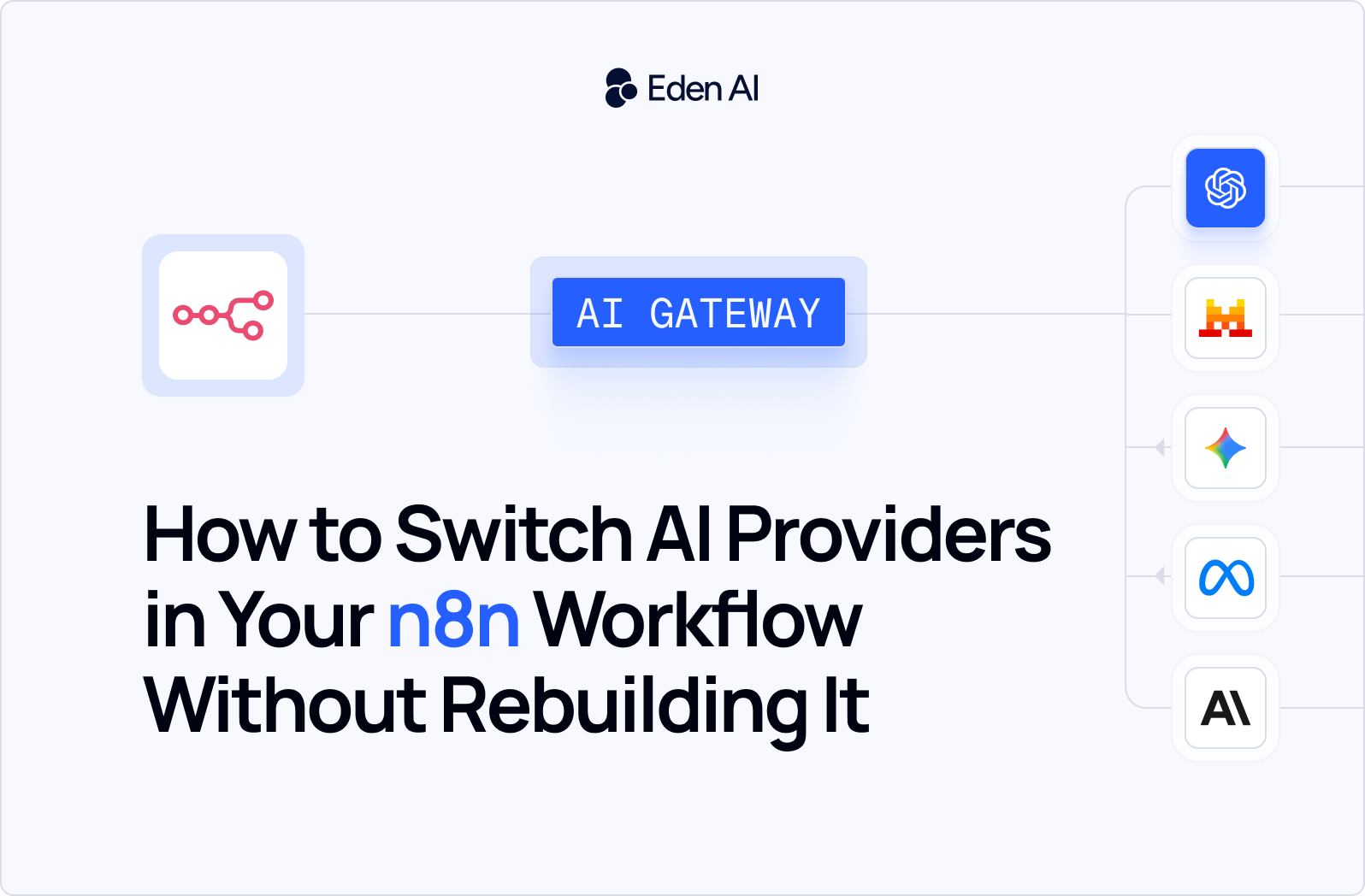
Eden AI adds the AI gateway layer that n8n was not designed to handle on its own. Instead of connecting your workflow directly to OpenAI, Anthropic, Google, Mistral, or another provider, you connect n8n to Eden AI once.
With one API key, Eden AI gives you access to 500+ models and 70+ AI task types, including LLMs, OCR, translation, speech-to-text, text-to-speech, moderation, image analysis, and document parsing. In n8n, that means one Eden AI credential instead of a growing list of provider-specific credentials.
From there, switching providers becomes an operational choice, not a workflow rebuild. You can change the model or provider from the Eden AI dashboard without touching the n8n logic, reconnecting nodes, or rewriting downstream steps.
Eden AI also adds fallback routing, so if one provider fails, the request can automatically move to the next available provider. Cost and performance routing help select the cheapest or fastest provider for each request, while monitoring centralizes latency, cost, and accuracy per provider in one dashboard.
Now let’s look at what this changes in real n8n workflows.
How to Connect Eden AI with n8n
Connecting Eden AI to n8n only takes a few steps. In the tutorial video below, we walk through how to add your Eden AI API key, configure the node, and start using multiple AI providers inside your n8n workflows without managing separate integrations. It is a practical setup guide for developers who want to test the integration quickly and understand how Eden AI fits into an existing automation workflow.
You can also explore the full integration setup and example workflows on our GitHub repository.
4 Practical Workflow Examples with Eden AI + n8n
Example 1: Document processing: invoice parsing → Google Sheets
A common n8n workflow starts with a Gmail trigger: a new email arrives with a PDF invoice attached. Instead of sending that file through a separate OCR service, then writing custom logic to identify totals, dates, vendors, and line items, you pass the PDF directly to Eden AI’s Invoice Parser API.
The Eden AI node extracts structured fields automatically, including vendor name, invoice date, line items, tax values, currency, and total amount. No OCR setup is required. No custom model training. Eden AI handles multi-format invoices out of the box, even when layouts vary from one supplier to another.
From there, n8n does what it does best: map the extracted fields to your internal format. You assign each field to a Google Sheets column, append a new row, then send a Slack notification to the finance team.
Because Eden AI supports multiple document AI providers, the workflow is not locked to one parser. If one provider fails, Eden AI can route the request to another automatically.
Multilingual content pipeline: detect language → translate → send
This workflow starts when a new form submission or CRM entry contains user-written text, for example a support request, product review, or sales message. n8n receives the text, then sends it to Eden AI for language detection.
The first Eden AI node identifies the input language automatically. Based on that result, n8n can route the workflow differently if needed, such as sending French messages to a France Slack channel, Spanish messages to a LATAM team, or German messages to a DACH CRM queue.
Next, a second Eden AI node translates the content into the target language using the selected translation provider. Both steps run through the same Eden AI credential, so you do not need to manage separate DeepL, Google Translate, or Microsoft Translator API keys.
The translated content can then be delivered by email, posted to Slack, or written back into the CRM. If you want to switch the underlying translation provider later, you update it in Eden AI without changing the n8n workflow.
AI agent with model routing: use GPT-4o for reasoning, Mistral for classification
This workflow starts with an incoming customer support ticket. Instead of sending every request to the most expensive model by default, n8n first sends the ticket to Eden AI for classification.
The first Eden AI node uses a fast, low-cost model, such as Mistral, to categorize the ticket: billing issue, technical bug, feature request, or general inquiry. n8n then routes the workflow based on that category.
For simple requests, like account questions or basic product information, a cheaper model can generate a draft response. For high-complexity tickets, such as technical bugs or integration issues, Eden AI routes the response generation step to GPT-4o or another stronger reasoning model.
All model calls go through the same Eden AI credential, so there is no separate OpenAI and Mistral setup to maintain. If you want to change the model used for classification or generation, you update the configuration in Eden AI, not the n8n workflow.
The ROI is simple: a cheap model handles most tickets, while the expensive model only activates when the task actually needs deeper reasoning.
Content moderation: image + text explicit content detection on form submissions
This workflow is useful for SaaS products, marketplaces, and community platforms that collect user-generated content. It starts when a new submission arrives through Typeform, a web form, or a file upload webhook.
n8n sends the text input to Eden AI’s text moderation API, which checks for explicit, hateful, or harmful content and returns a confidence score for each category. If the submission includes an image, a second Eden AI node runs image moderation to detect explicit content, violence, or adult material.
From there, n8n applies simple threshold logic. If any moderation score exceeds the limit you define, the submission is flagged for human review and routed to a Notion review queue. If the content is clean, n8n can automatically approve it and push it to your CMS or database.
Both text and image moderation run through the same Eden AI credential. Eden AI remains provider-agnostic, so moderation can route to the best-performing model instead of a hardcoded provider. Sensitivity thresholds can also be adjusted without rebuilding the workflow logic.