Summarize this article with:
- OpenCode is an o pen-source AI coding agent built for the terminal.
- What makes third-party gateways possible is something most developers don't notice until they need it: OpenCode uses an OpenAI-compatible API format internally .
- In January 2026, Anthropic blocked OpenCode from accessing Claude via consumer OAuth tokens - overnight.
- No more silent config failures .
- To get started: create a free Eden AI account, generate your API key from the dashboard, and follow the configuration steps above.
What Is OpenCode?
OpenCode is an open-source AI coding agent built for the terminal. With 120,000+ GitHub stars and support for 75+ LLM providers, it's become one of the fastest-growing alternatives to Claude Code and GitHub Copilot for developers who want model flexibility and full control over their setup.
Unlike closed tools, OpenCode is built for multiple LLM providers from the start. You're not locked into one vendor's pricing, availability, or capabilities - you can use Claude for complex refactors, GPT-4o for quick edits, and Gemini for planning tasks, all within the same tool. Each provider gets its own entry in opencode.json, with credentials stored separately in ~/.local/share/opencode/auth.json.
What makes third-party gateways possible is something most developers don't notice until they need it: OpenCode uses an OpenAI-compatible API format internally. Every provider connection is configured with a baseURL pointing to an OpenAI-compatible endpoint.
That means if a gateway exposes an OpenAI-compatible API, OpenCode treats it identically to a native provider. One baseURL change, and you're routing through a layer that can handle authentication, fallback, and billing across every model behind it. No custom npm packages, no provider-specific adapters.
The Problem With Managing Multiple API Keys in OpenCode
OpenCode's multi-provider flexibility is its biggest selling point. But in practice, managing multiple LLM providers through OpenCode comes with real friction.
Key sprawl across providers
Every LLM provider requires its own API key, its own account, and its own billing dashboard. Want to use Claude for complex refactors and GPT-4o for quick edits? That's two keys to create, two accounts to monitor, and two billing pages to check at the end of the month. Add Gemini for planning tasks and you have three. OpenCode stores these in ~/.local/share/opencode/auth.json - but having the file doesn't make the management easier.
Configuration that breaks silently
In OpenCode, credentials and provider definitions are two separate things. You set an API key with opencode auth login, then separately define the provider in opencode.json with the right npm package, baseURL, and model list. Miss one piece and nothing works - but OpenCode won't always tell you why. The key saves fine, models don't appear, streaming breaks, or tool calls behave unexpectedly. Developers have reported that custom OpenAI-compatible baseURL options are simply not passed to API calls at all.
Vendor lock-in is a real risk
In January 2026, Anthropic blocked OpenCode from accessing Claude via consumer OAuth tokens - overnight. Developers who had built their entire workflow around Claude had it broken without warning. OpenCode's flexibility means nothing if your chosen provider can pull the plug at any time.
The fix for all three problems is not more configuration. It's a single API layer that handles everything for you.
What Is an AI Gateway? (And Why OpenCode Users Need One)
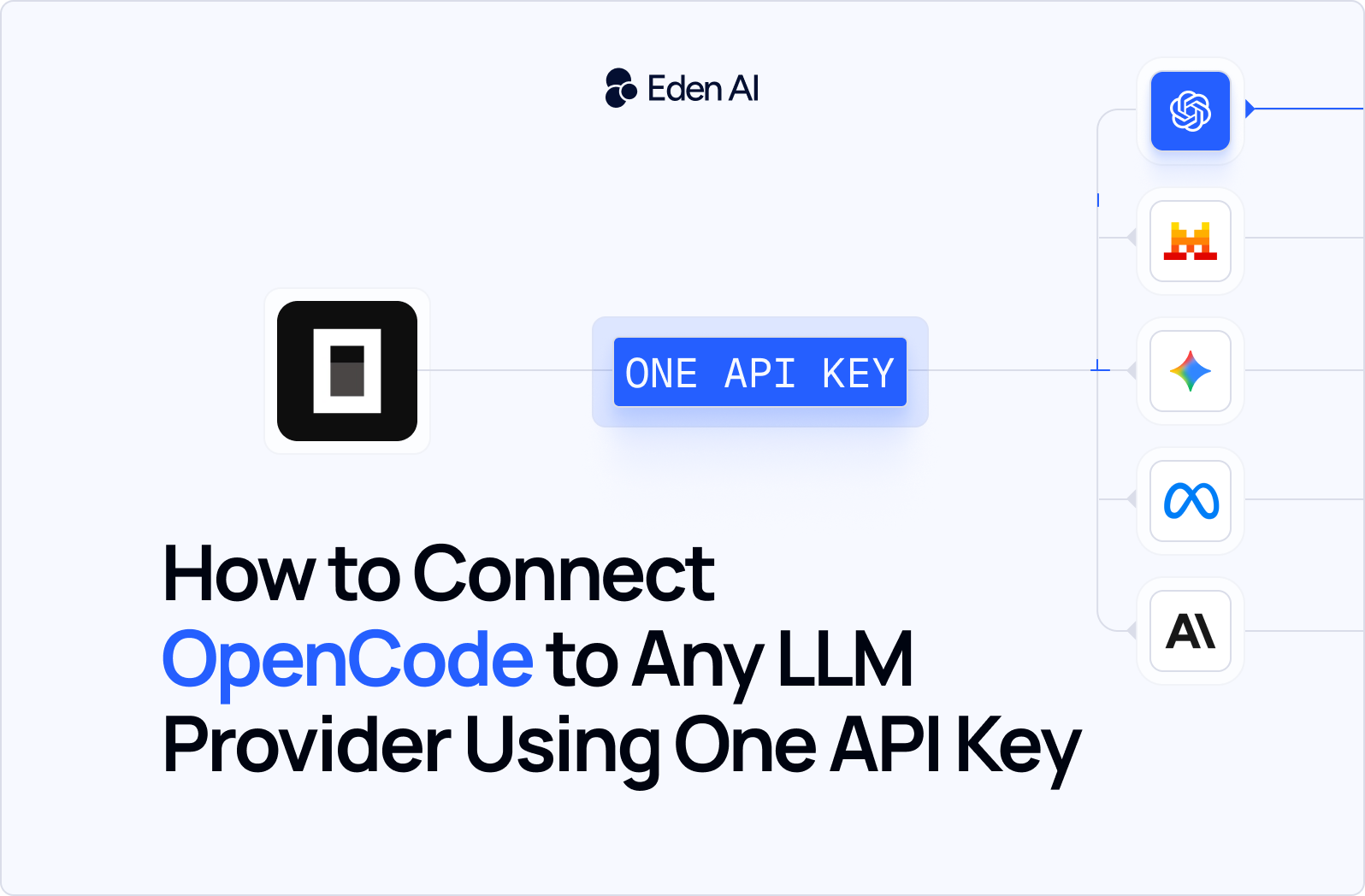
An AI gateway is a unified API layer that sits between OpenCode, and every LLM provider. Instead of connecting OpenCode directly to Anthropic, OpenAI, Google, and others separately, you connect it once to the gateway. The gateway handles the routing, the credentials, and the provider-specific API formats.
For OpenCode users specifically, an AI gateway solves the three problems above in one step:
- One API key replaces every provider key. You configure OpenCode once, with a single baseURL and a single token.
- No more silent config failures. The gateway speaks OpenAI-compatible API format, which OpenCode handles reliably. No custom npm packages, no broken baseURL options.
- No vendor lock-in. If one provider goes down or changes its terms, the gateway routes to another. Your OpenCode setup doesn't change.
An AI gateway doesn't add a layer of complexity - it removes one. You get access to more models with less configuration.
Eden AI vs. LiteLLM vs. OpenRouter: Which Gateway Works Best with OpenCode?
Three AI gateways work reliably with OpenCode: Eden AI, LiteLLM, and OpenRouter. All three solve the key-sprawl problem. They make different tradeoffs.
If you need to keep data on your own infrastructure, LiteLLM is the stronger choice - it's open source, self-hostable, and supports more raw provider integrations than any managed gateway. If you want to browse models and compare per-token pricing before committing, OpenRouter gives you the largest catalog with transparent costs per model.
Eden AI is the right choice if you want none of that overhead. You get automatic fallback, per-request cost visibility across every provider, and an OpenAI-compatible endpoint - all managed for you. Once OpenCode is configured, there is nothing to run, patch, or maintain.
It is also worth noting for teams with compliance requirements: Eden AI is built and hosted in Europe, which means your API traffic and usage data stay within EU infrastructure. For companies operating under GDPR or working in industries where data residency matters, that removes a consideration that neither LiteLLM's cloud tier nor OpenRouter currently addresses by default.
How to Connect to OpenCode to any LLM using One API Key
The tutorial below shows the complete setup in real time. Useful if you hit a configuration issue or want to verify your opencode.json structure matches what a working setup looks like.
The complete setup, including config files and code snippets, is documented on Eden AI Integration’s GitHub.
Conclusion
Managing multiple LLM providers in OpenCode means multiple keys, multiple accounts, and multiple billing pages - Eden AI replaces all of that with a single API key and one baseURL entry in your config.
To get started: create a free Eden AI account, generate your API key from the dashboard, and follow the configuration steps above. Your OpenCode setup will route requests to any supported model from that point forward.
The other advantage worth keeping in mind: once the integration is live, switching from Claude to GPT-4o to Gemini is a model name change in your config, nothing else moves. Create your free Eden AI account and connect OpenCode in under 10 minutes.