.png)
Summarize this article with:
- Cline supports 30+ LLM providers.
- The developers getting the most out of Cline solve this early: cheap, fast model for quick edits; powerful model for complex refactors; automatic fallback when rate limits hit.
- Developers can Connect Cline to Any LLM Using an AI Gateway using a REST API that accepts standard inputs and returns structured JSON responses.
- Eden AI gives you access to 500+ models - not just language models, but the full range of AI capabilities: OCR , document parsing , speech-to-text , image generation , and translation , all under the same...
- If your Cline workflow ever touches anything beyond pure code generation - parsing PDFs, processing images, transcribing audio - you're already set up.
Cline supports 30+ LLM providers. Most developers use one. The gap between those two facts is where performance and cost get left on the table.
If you're already using Cline, you know the setup: one API key, one provider, one model doing everything from quick variable renames to full feature implementations. It works - until you hit a rate limit mid-session, realize you're paying Claude Sonnet prices for a three-line edit, or want to test a newer model without rebuilding your config.
This guide covers how to connect Cline to Eden AI's gateway - one endpoint that gives you access to 500+ models, automatic fallback, and smart routing across providers. You change two fields in Cline settings. Everything else gets better.
What Is Cline and Why Model Flexibility Matters
Cline is an open-source AI coding agent for VS Code, it reads and writes files, runs terminal commands, browses the web, and executes multi-step tasks with your approval at each step. The key architectural decision: it's model-agnostic. You bring your own API key, connect any provider, and pay only for what you use.
With 5M installs, it's the dominant open-source coding agent. But most users configure one provider on day one and never change it, not because it's optimal, but because switching is friction.
The developers getting the most out of Cline solve this early: cheap, fast model for quick edits; powerful model for complex refactors; automatic fallback when rate limits hit. That's real model flexibility, and it requires an AI gateway.
The Problem With Connecting Cline Directly to LLM Providers
Direct connections work fine for side projects. At serious usage they break down across four areas:
- Fragmented API keys. Claude, GPT-4o, Gemini: separate accounts, separate billing, separate dashboards. When a key expires or a provider changes pricing, you're hunting across five tabs.
- No fallback. Anthropic hits a rate limit mid-session and Cline stops. You manually switch providers, restart, lose context. It happens more than people admit, especially with Claude Sonnet during peak hours.
- No unified cost view. Long Cline sessions consume significant tokens. When you're across multiple providers, there's no single number telling you what you actually spent.
- Model paralysis. 30+ providers, multiple models each - most developers default to whatever they first configured and never revisit it. That's rarely optimal.
Same root cause across all four: direct connections put the routing logic on you. A gateway takes it off your plate.
What Is an AI Gateway and How It Works With Cline
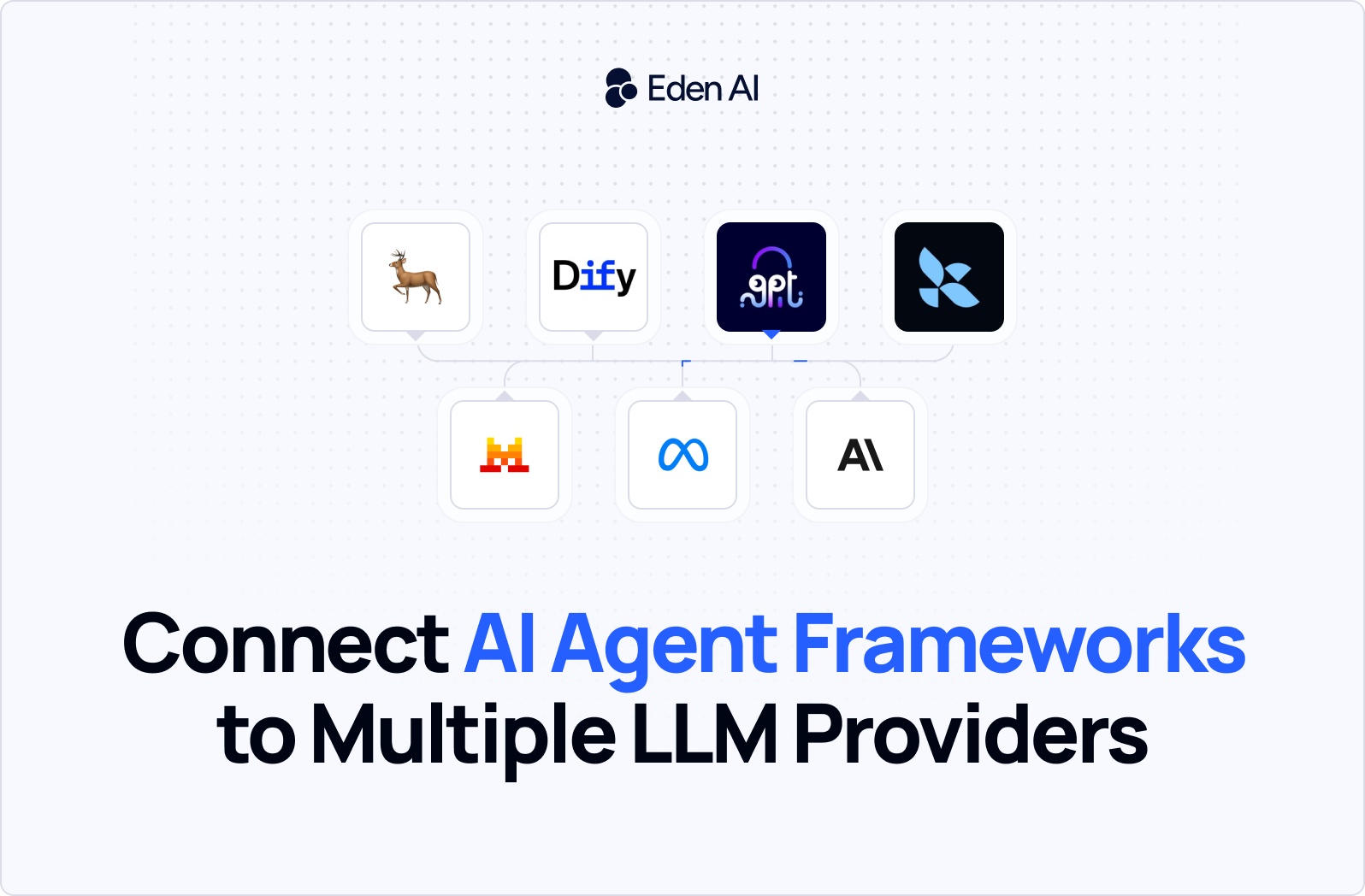
An AI gateway sits between Cline and your providers. Cline calls the gateway; the gateway handles routing, fallback, and cost tracking; the response comes back in a consistent format regardless of which model handled it.
The integration point in Cline is the OpenAI Compatible provider option. Set a base URL and API key - Cline treats it exactly like OpenAI. Every serious gateway exposes an OpenAI-compatible endpoint for exactly this reason.
.png)
Two field changes in Cline settings. No code changes. The gateway handles everything downstream.
Why Use Eden AI as Your Cline AI Gateway
Several gateways work with Cline: Eden AI, OpenRouter, LiteLLM, etc.The right choice depends on what you're optimizing for. Here's where Eden AI has a distinct edge.
Model coverage beyond LLMs
Eden AI gives you access to 500+ models - not just language models, but the full range of AI capabilities: OCR, document parsing, speech-to-text, image generation, and translation, all under the same API key and endpoint.
If your Cline workflow ever touches anything beyond pure code generation - parsing PDFs, processing images, transcribing audio - you're already set up. No additional integrations.
Smart routing that actually reduces costs
Eden AI's routing engine can make runtime decisions based on prompt complexity, required quality, latency targets, or cost constraints. Simple prompts go to fast, cheap models. Complex multi-step reasoning goes to the models that can handle it.
The reported result across their user base is 20 - 50% cost reduction without a drop in output quality, not from switching to worse models, but from using the right model for each job.
Automatic fallback with zero configuration
Set your primary model and a fallback list. When Anthropic hits a rate limit or has a service interruption, Eden AI silently switches to your next preferred model and continues the session. From Cline's perspective, nothing happened. Your coding session keeps going.
Per-request cost visibility out of the box
Every API response from Eden AI includes the cost of that call. You get a real-time dashboard showing usage and spend across every model, every session, no post-hoc reconciliation across provider dashboards required.
One API key
Everything above - routing across providers, fallback, cost tracking, 500+ models - is accessible through a single Eden AI API key. You manage one account, one billing relationship, one key rotation cycle.
How to Connect Cline to Eden AI
We've put together a full video walkthrough that covers the complete setup, watch the setup guide:
Prefer to follow along in code? The full configuration, model list, and a ready-to-use Cline settings snippet are in the GitHub repo: Github
Which Models to Use in Cline via Eden AI
Not every model performs equally on coding tasks, and the cost differences are significant. Here's a practical starting point based on task type.
For complex, multi-file coding tasks
Use anthropic/claude-3-5-sonnet-20241022 or openai/gpt-4o. These remain the top performers for tasks that require understanding large codebases, reasoning across multiple files, or making architectural decisions. Cost per session will be higher, but the quality difference on complex work is real. This is where you spend the tokens.
For quick edits, single-function changes, and boilerplate
Use google/gemini-1-5-flash or mistral/mistral-large-latest. Both are significantly cheaper than Claude or GPT-4o and fast enough that the latency difference disappears for small tasks. Gemini Flash in particular handles well-scoped, clear instructions reliably. For tasks where you already know what you want and are just executing it, the expensive model is waste.
For exploratory planning (Cline's Plan Mode)
Plan Mode is read-only - Cline analyzes your codebase and proposes an approach before touching anything. This is a natural place to use a cheaper model, since you're evaluating output quality before committing. Run mistral/mistral-large-latest or google/gemini-1-5-pro for planning, then switch to Claude or GPT-4o for the actual implementation in Act Mode.
For local/private codebases where data residency matters
Eden AI's infrastructure is European-built, which helps with GDPR compliance by default. If you need stricter data controls, evaluate their enterprise tier before routing sensitive code through any cloud provider.