Tutorial
Document Processing
8 min reading

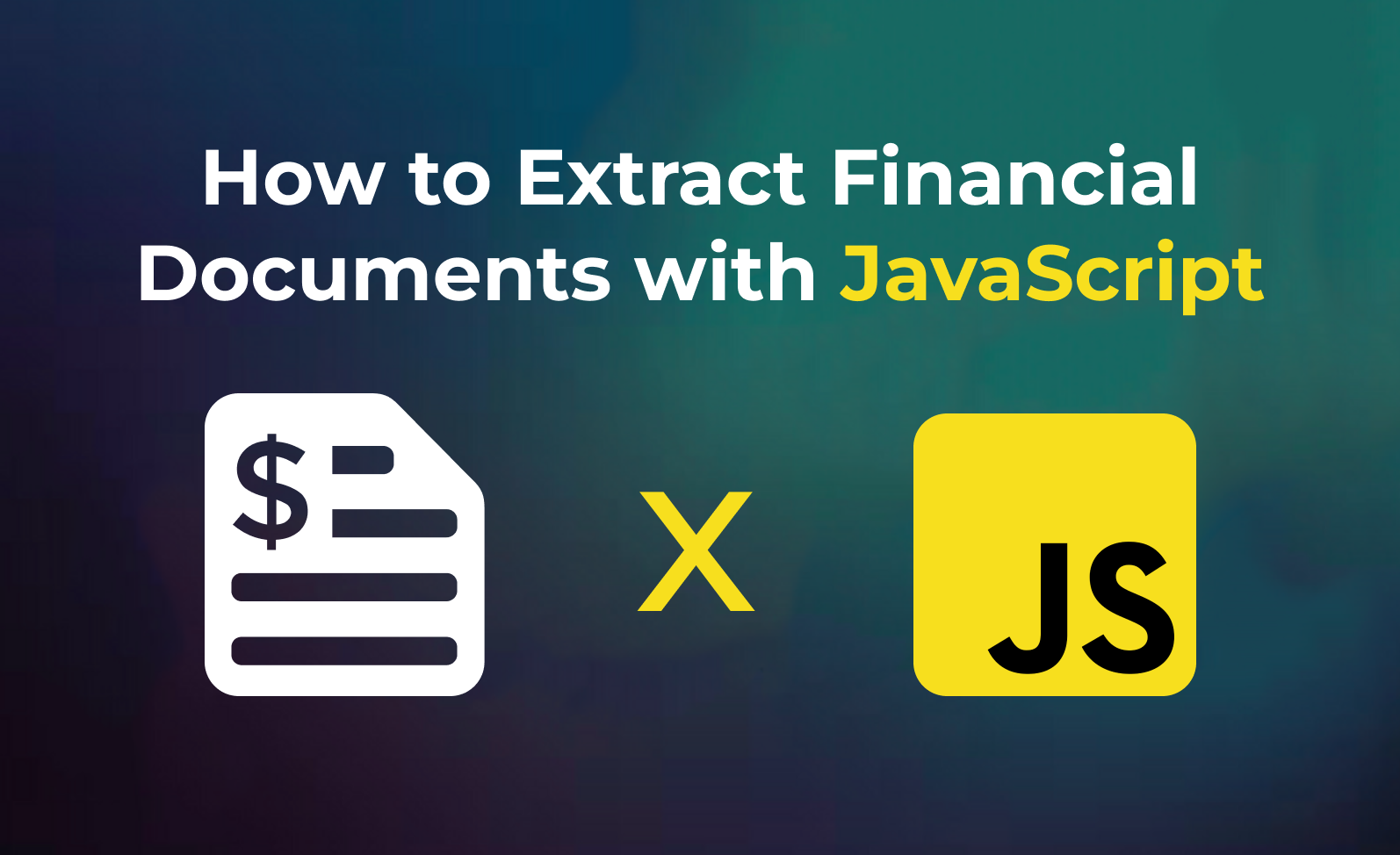
How to Extract Financial Documents using JavaScript

Summarize this article with:

summary
  • Eden AI's Financial Document Parsing API makes it easy to extract structured data from financial documents.
  • Developers can Extract Financial Documents using JavaScript using a REST API that accepts standard inputs and returns structured JSON responses.
  • The integration works with Python, JavaScript, PHP, and any HTTP-capable language with minimal setup.
  • Using a multi-provider API removes the need to manage separate accounts and authentication per vendor.
  • Response formats are standardized, eliminating custom parsing logic for each individual provider.

In this tutorial, you will learn how to use the Financial Document Parsing API in 5 minutes using JavaScript. Eden AI provides an easy and developer-friendly API that allows you to extract structured data from financial documents like invoices and receipts.

Getting Started

1. Sign Up: Create a free account here. You'll get your API key to access Financial Document Parsing.

How to Implement Financial Document Parsing in JavaScript


const axios = require("axios").default;

const options = {
method: "POST",
url: "https://api.edenai.run/v2/ocr/financial_parser",
headers: { Authorization: "Bearer YOUR_API_TOKEN" },
data: {
providers: ["amazon"],
document_type: "invoice",
file_url: "https://your-file-url.com/invoice.pdf",
},
};

axios.request(options).then((r) => console.log(r.data)).catch((e) => console.error(e));

Conclusion

Eden AI's Financial Document Parsing API makes it easy to extract structured data from financial documents. Sign up free and start today!

FAQ — Extract Financial Documents using JavaScript

You need an API key from your chosen AI provider. Eden AI lets you access multiple providers with a single key, removing the need for separate vendor accounts.
Any language that supports HTTP requests works — Python, JavaScript, PHP, Ruby, Go, and more. Ready-to-use code snippets are available for the most common languages.
Most developers complete a basic integration in under an hour using standardized API endpoints and ready-to-use code examples.
Implement exponential backoff for rate limit errors and use try-catch blocks for network failures. Eden AI's built-in fallback routing automatically redirects requests if a provider is unavailable.
Eden AI supports GDPR-compliant provider filtering and does not store or reuse your data, ensuring compliance with European privacy regulations.

Similar articles

Tutorial
Generative AI
How to Generate Videos Using Python
9/4/2025
·
Written byTaha Zemmouri
let’s start

Start building with Eden AI

A single interface to integrate the best AI technologies into your products.