%20(1).png)
Summarize this article with:
- Claude Code runs locally in your terminal with no backend server needed
- A Mac Mini M4 costs $599 and uses under 10W idle ($2/month electricity)
- Point ANTHROPIC_BASE_URL at a gateway for multi-provider access
- Pay-per-use API access costs $0.003 to $0.015 per 1K tokens
- Eden AI provides 500+ models through Anthropic-compatible endpoints
Got a spare Mac collecting dust? It can run your AI coding agent around the clock. Claude Code runs in the terminal, talks to model APIs directly, and needs no server infrastructure. Pair it with a gateway for multi-provider access, and you have a self-hosted coding assistant that never depends on one vendor.
Why a Spare Mac Works
Claude Code is a terminal-based coding agent by Anthropic. It reads your codebase, makes edits, runs tests, and handles multi-file refactoring. The key point: it runs locally on your machine but calls cloud APIs for the AI model.
This means any Mac with internet access works. The Mac itself does not need a powerful GPU. The model inference happens in the cloud. Your Mac just runs the agent logic and displays results.
Hardware Requirements
Step-by-Step Setup
Step 1: Install Claude Code
Open the terminal on the Mac and install Claude Code via npm (Node Package Manager, the JavaScript package installer):
npm install -g @anthropic-ai/claude-code
Step 2: Configure the Gateway
Instead of pointing Claude Code directly at Anthropic's API, point it at Eden AI. This gives you access to multiple providers and automatic fallbacks:
export ANTHROPIC_BASE_URL="https://api.edenai.run/v3/v1/messages"
export ANTHROPIC_AUTH_TOKEN="YOUR_EDEN_API_KEY"
Now Claude Code sends its requests through Eden AI's gateway. The gateway routes to Anthropic by default but can switch to other providers if Anthropic has an outage.
Step 3: Set Up Automatic Start
Create a launchd plist so the agent starts when the Mac boots:
# Save as ~/Library/LaunchAgents/com.claudecode.agent.plist
# Then load with: launchctl load ~/Library/LaunchAgents/com.claudecode.agent.plist
Avoiding Provider Lock-In
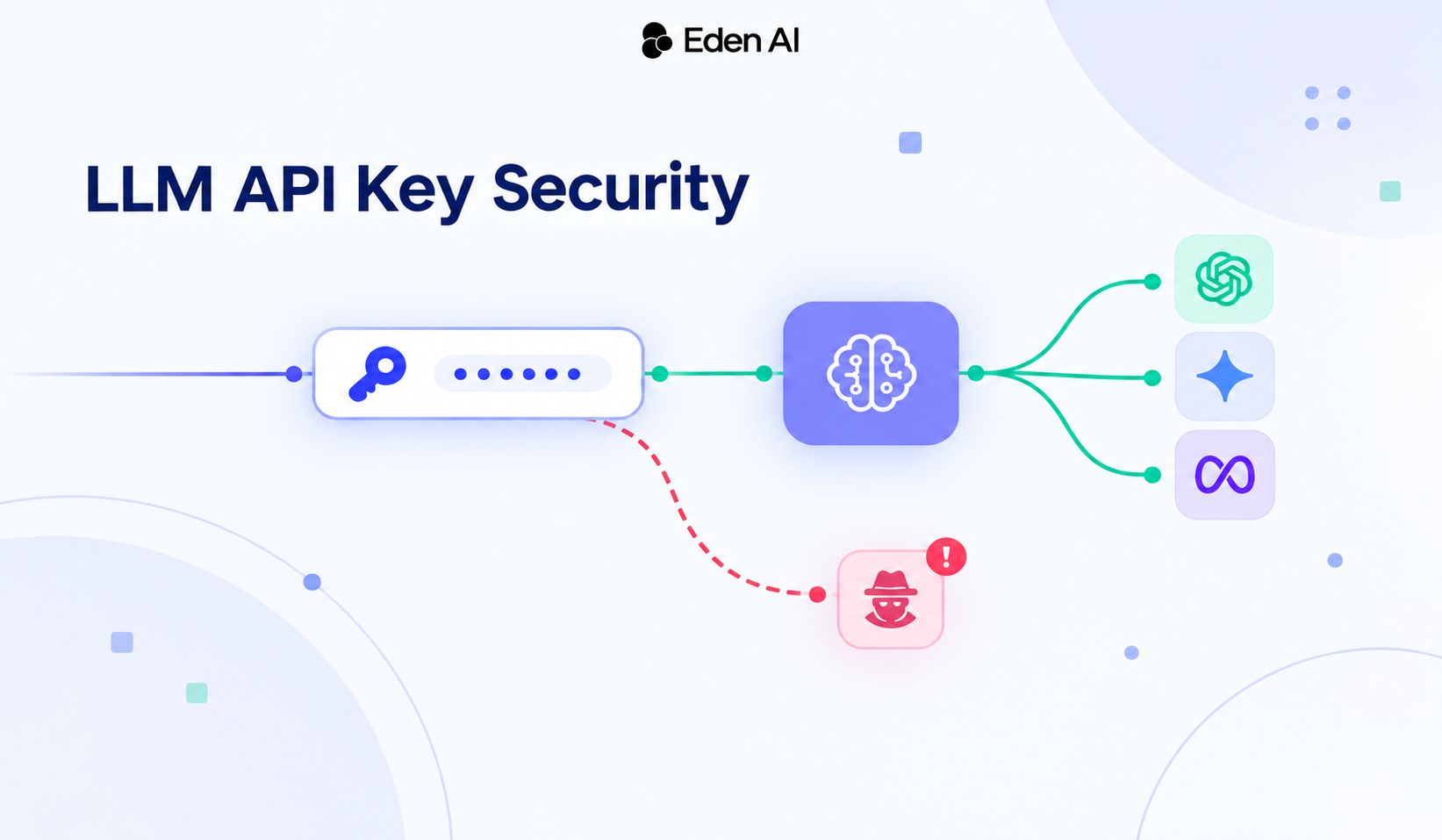
The gateway approach means you are never tied to one provider. If Anthropic raises prices, you change one environment variable. If they have an outage, the gateway's fallback routes to another provider automatically.
Eden AI's /v3/v1/messages endpoint is Anthropic-compatible. It accepts the same request format Claude Code sends and returns the same response format. The translation happens transparently.
Cost Comparison
For a developer doing 5 hours of AI-assisted coding daily, the gateway approach with pay-per-use typically costs $30 to $80 per month. That is comparable to a subscription but with no caps and access to every provider.
Running Open Source Models Locally
If you want to go fully local (no cloud API calls), Macs with Apple Silicon handle open source models well. Qwen 3.8 27B runs on a Mac Studio with 32GB RAM using Ollama or llama.cpp. You can point Claude Code at a local model through a proxy that translates the Anthropic API format.
Conclusion
A spare Mac Mini is an excellent platform for a self-hosted AI coding agent. Combined with a multi-provider gateway, it gives you always-on coding assistance without vendor lock-in or usage caps.