Summarize this article with:
Amazon SageMaker AI's new KV_AWARE routing strategy uses live storage and eviction events from the AWS vLLM container to send repeated prompts to the instance that still holds them in cache. This guide explains how it differs from PREFIX_AWARE, which endpoints can use it, how to enable it, what to measure before keeping it, and where a gateway like Eden AI fits in the stack.
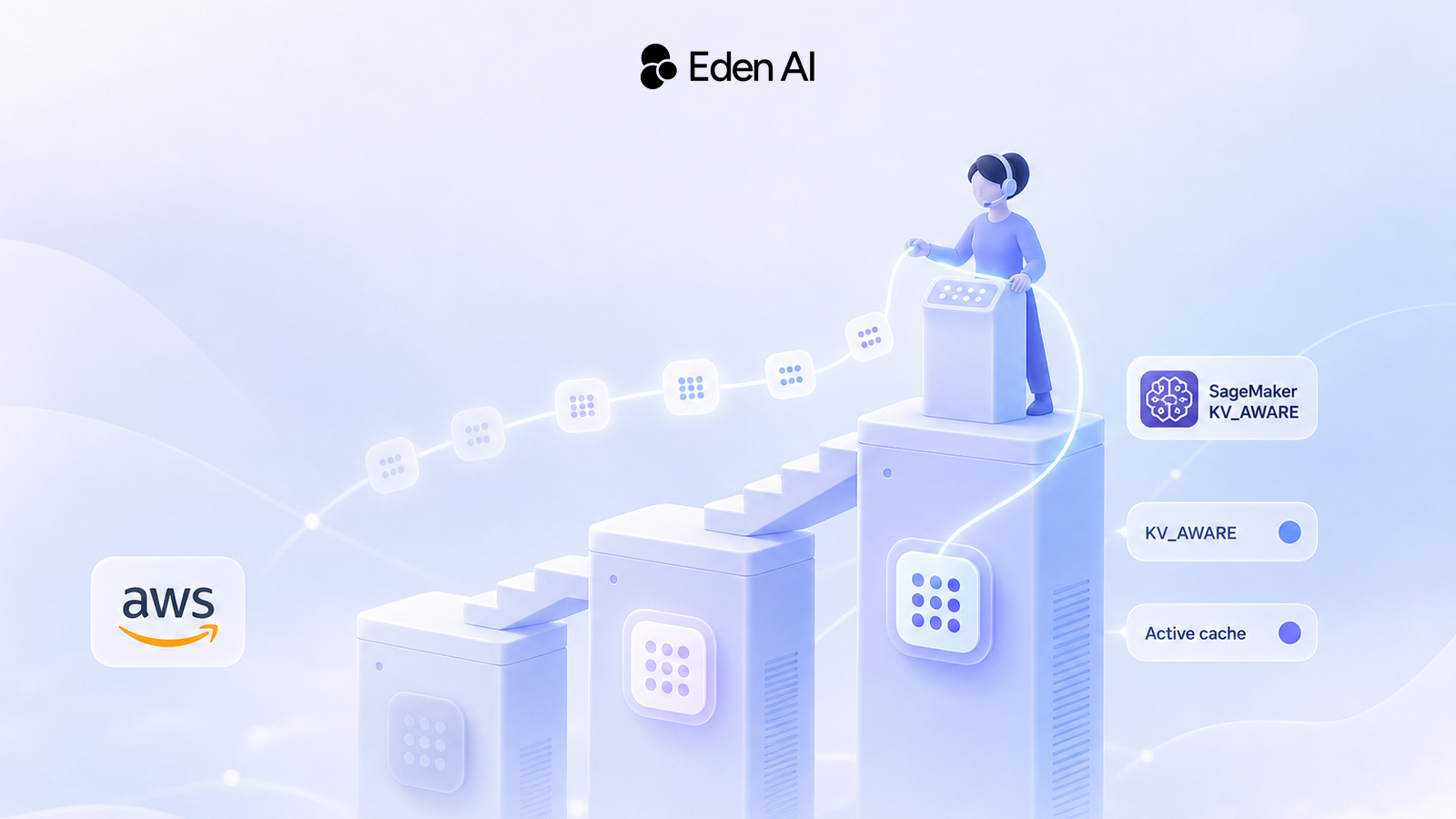
On November 16, 2026, AWS added KV cache-aware routing to Amazon SageMaker AI real-time inference endpoints. The new KV_AWARE strategy sends each LLM request to the instance that holds the longest matching part of its prompt in cache. It works from a live view of the blocks each vLLM container stores and evicts.
Picture a RAG or agent endpoint running on several GPU instances. Requests share a long system prompt and the same document context. If a request lands on an instance that never cached that prefix, or that evicted it to free GPU memory under load, the instance recomputes it. The repeated prompt is cold again.
What's new is eviction awareness, not caching. AWS says the goal is lower time to first token (TTFT), but it published no performance numbers, so only a test on your own traffic can tell you whether to switch. This guide separates the routing layers involved, compares KV_AWARE with PREFIX_AWARE, and gives you a migration and measurement plan.
Three routing layers solve different problems
A request to a self-hosted or hosted LLM can pass through three separate routing decisions. Each one can win or lose cache reuse on its own:
- Gateway: picks the provider or model. Reuse is lost when a request switches to another provider or model.
- Provider prompt caching: handled on the provider's side, with its own rules. Reuse is lost when the prefix changes or the provider's cache no longer holds it.
- SageMaker endpoint: picks the instance or inference component copy. Reuse is lost when the chosen instance lacks the blocks or has evicted them. This is the layer
KV_AWAREchanges.
A provider's prompt-caching discount and a runtime KV cache hit on your own instance are different things. One is a billing feature of a hosted API, covered in our prompt caching playbook for Claude, GPT and Gemini. The other saves recomputation on GPUs you pay for by the hour. For the gateway layer, see our guide to automating model selection in production. The rest of this guide covers SageMaker's instance-level decision.
What changed from PREFIX_AWARE to KV_AWARE
PREFIX_AWARE sends requests that share the same prompt prefix to the same instance or inference component copy. You set the prefix length and a concurrency threshold through PrefixLength and ConcurrencyThreshold, as described in the PrefixAwareRoutingConfig API reference. When the selected instance or copy reaches the threshold, the request goes elsewhere.
KV_AWARE routes on what each container actually holds. The AWS vLLM container reports the cache blocks it stores and evicts, and SageMaker weighs the length of the match against how busy each instance is, according to the ProductionVariantRoutingConfig reference. AWS keeps both strategies and recommends each for different conditions.
| Attribute | PREFIX_AWARE | KV_AWARE |
|---|---|---|
| Routing signal | Shared prompt prefix, up to PrefixLength | Longest match in the active KV cache |
| Eviction awareness | No live view of cache blocks | Tracks stored and evicted blocks |
| Load handling | Concurrency threshold you set | Weighs match length against instance load |
| Configuration | PrefixLength and ConcurrencyThreshold | RoutingStrategy plus one environment variable |
| Best fit, per AWS | Stable shared prompts, short prompts, moderate load | Long prompts, high load, limited GPU memory |
Sources: AWS announcement (November 16, 2026) and SageMaker API reference. Checked November 17, 2026.
Don't pass PrefixAwareRoutingConfig with KV_AWARE. The API reference says to specify it only when RoutingStrategy is PREFIX_AWARE.
When eviction-aware routing beats prefix routing
The strongest case is a multi-instance endpoint with long, repeated prefixes and frequent eviction. A prefix rule can keep sending a prompt to an instance after its useful blocks are gone. KV_AWARE decides from the blocks reported as still present.
How KV_AWARE picks an instance
Container reports cache events
The AWS vLLM container reports the KV blocks it stores and evicts.
SageMaker keeps a live view
Routing works from current blocks, not a fixed prefix rule.
A request arrives
SageMaker looks for instances or copies holding the start of its prompt.
Match length is weighed against load
The longest match competes with how busy each instance is.
Fallback when needed
Slow lookup, no match or no free match: routed as with LEAST_OUTSTANDING_REQUESTS.
The advantage should shrink when prompts rarely repeat or caches rarely evict. AWS's guidance on which strategy suits which load is a recommendation, not a measured crossover point.
Which requests can benefit from cache affinity?
- Shared system prompts: strong candidates when the same long instructions open many requests.
- Stable document context: strong candidates when RAG traffic reuses the same document prefix.
- Multi-turn conversations: worth testing, but edits to earlier turns, a model change or eviction break reuse.
- Diverse one-off prompts: weak candidates, since request starts differ and rarely return.
Even a good candidate doesn't guarantee a hit. The blocks must still be present on an instance that isn't too busy.
How to enable KV_AWARE on SageMaker
Check AWS's documented requirements first. Some are not new: the API reference already limits PREFIX_AWARE to endpoints where two or more instances can serve the request.
Before you switch
- Use the supported container. AWS requires its vLLM Deep Learning Container version 0.33.0 or later.
- Run on GPU instances. Single-model endpoints and inference components, including LoRA adapters, are supported.
- Provide at least two destinations. Use at least two instances or inference component copies.
- Enable cache event reporting. Add the container environment variable named in the current AWS deployment documentation.
- Remove PREFIX_AWARE-only settings. Don't specify PrefixAwareRoutingConfig with KV_AWARE.
- Update your tooling. AWS says to update to the latest AWS SDK or CLI.
The routing setting itself goes on the production variant. The fragment below shows only that part. The announcement doesn't name the cache-event environment variable, so take the full container configuration from AWS's current documentation.
JSON
{
  "RoutingConfig": {
    "RoutingStrategy": "KV_AWARE"
  }
}
Clients don't change. AWS says you keep invoking the endpoint with the same SageMaker APIs and OpenAI-compatible payloads.
What to monitor after switching
Run a controlled comparison. Keep the model, instance type, concurrency, prompt distribution and prefix-reuse mix the same, and replay representative traffic under PREFIX_AWARE and KV_AWARE. Then compare:
- TTFT by workload class: shared prompts, document reuse, conversations and one-off requests, measured separately.
- KV cache hit rate: AWS says detailed observability metrics show it for these endpoints.
- Latency tails: high percentiles, not only the average.
- Fallback: if your metrics expose it, how often requests skip the cache lookup.
- Errors and load balance: request failures, and whether affinity piles load on some instances.
Set success criteria before you start, for example lower TTFT on repeat-heavy traffic with no worse tail latency or error rate. AWS gives no benchmark and no fallback threshold, so your own numbers are the only evidence. Our guide to benchmarking LLMs without rewriting your code covers how to set up comparable runs.
Should you switch from PREFIX_AWARE?
Switch and test if your endpoint fits the documented path and your traffic has reusable long prefixes under memory pressure. Otherwise, stay where you are.
Rule of thumb
Test KV_AWARE when you run AWS vLLM DLC 0.33.0 or later on at least two GPU instances or copies, with long repeated prefixes and frequent eviction. Keep PREFIX_AWARE for stable shared prompts, short prompts or moderate load, as AWS recommends.
The documented path doesn't cover CPU instances, single-instance endpoints or runtimes other than the AWS vLLM container. If you serve with another runtime, keep your current strategy until AWS documents support.
Don't count on cost savings. AWS charges nothing extra for the routing itself, but you still pay for the underlying compute, and AWS published no cost reduction for KV_AWARE.
Where Eden AI fits: the provider layer
Eden AI works at the gateway layer: one API key and one OpenAI-compatible endpoint for every LLM, across more than 80 providers. It can't see SageMaker's cache state or choose the SageMaker instance that holds your blocks. If part of your traffic goes to hosted providers, that part needs its own cache policy.
For latency-sensitive sessions with repeated prefixes, keep the provider stable rather than switching on every request. With Eden AI's routing options, you can choose the order of providers, or sort them by price, speed or latency, and set automatic fallback to backup models. A fixed order keeps a session on the same provider while it's healthy. Keep the shared system prompt first and unchanged so the provider sees the same prefix.
Python
from openai import OpenAI

client = OpenAI(
    base_url="https://api.edenai.run/v3",
    api_key="YOUR_EDENAI_API_KEY",
)

# Keep long shared instructions first and identical across requests.
SYSTEM_PROMPT = "You answer questions about our product documentation."

response = client.chat.completions.create(
    model="YOUR_MODEL",  # a model ID from the Eden AI catalog
    messages=[
        {"role": "system", "content": SYSTEM_PROMPT},
        {"role": "user", "content": "How do I rotate an API key?"},
    ],
    # Fixed provider order instead of sorting by price or latency.
    extra_body={"routing": {"order": ["PROVIDER_A", "PROVIDER_B"]}},
)
print(response.choices[0].message.content)
The OpenAI Python SDK guide shows the setup. Inside your own app, you can derive an affinity key from tenant, model, prefix version and conversation ID to keep your routing choices stable. It guides your code only: it doesn't create or transfer a cache hit anywhere. For the wider provider decision, see our guide to a reliable multi-LLM strategy.
What to keep in mind
- Caches stay where they were computed: a request that lands on an instance without the blocks recomputes them.
- Fallback keeps service, not affinity: a slow lookup or no match sends the request to a less busy instance, likely without a cache hit.
- Prefix changes break reuse: editing the system prompt or document order turns warm traffic cold.
- Key details are unpublished: the environment variable name, the fallback threshold and support for other runtimes.
- No measured gain yet: AWS published no TTFT, throughput or cost results for
KV_AWARE.
FAQ
Does KV_AWARE replace PREFIX_AWARE?
Which container version do I need for KV_AWARE?
Is SageMaker KV_AWARE routing available in my AWS Region?
What happens when KV_AWARE finds no cache match?
Does KV_AWARE reduce inference cost?
Can I use KV_AWARE with one instance?
Which workloads are unlikely to benefit from KV_AWARE?
Further reading
- AWS's KV cache-aware routing announcement: requirements, supported endpoints, fallback, metrics, pricing and availability.
- ProductionVariantRoutingConfig API reference: how SageMaker defines each routing strategy.
- PrefixAwareRoutingConfig API reference: prefix length and concurrency settings for PREFIX_AWARE.
- Prompt caching across Claude, GPT and Gemini: how provider-side caching works and what it saves.
- Smart routing for LLM APIs: provider and model selection to control cost.
- Routing requests to the right LLM: application-level routing criteria and design choices.