Summarize this article with:
Antonio Mika's lend keeps developer credentials on the laptop while coding agents run on remote VMs. The agent can still use the credentials' authority through the proxy. This guide separates secret isolation from authority isolation and covers the controls to add: local policy, narrow tools, agent identities, short leases, audit logging and fast revocation.
Antonio Mika published lend, an open-source tool for running coding agents without handing them his credentials. Agents on remote VMs use credentials that stay on the developer's laptop. Keeping raw keys out of the agent's environment is necessary. It does not limit what the agent can do through the proxy that holds them.
Here is a simple case. An agent may never see your GitHub credential and still modify or delete a repository if the proxy runs the matching command for it. That gap drove much of the Hacker News discussion of Mika's post, which had 121 points and 102 comments on November 17, 2026.
The same question applies to laptop-based agents. If an agent can read environment variables or configuration files, the secrets stored there are within its reach. This guide traces lend's request path, maps what it hides and what stays usable, and lists controls for each setup.
| Author | Antonio Mika |
|---|---|
| Target | Coding agents on remote VMs |
| Transport | SSH agent socket extension |
| Approval | Touch ID on macOS |
| MCP tool | run_local_command, with a required reason |
| Leases | Bounded, for example 5 minutes or 3 uses |
| Hacker News | 121 points and 102 comments on November 17, 2026 |
Secret isolation and authority isolation are different
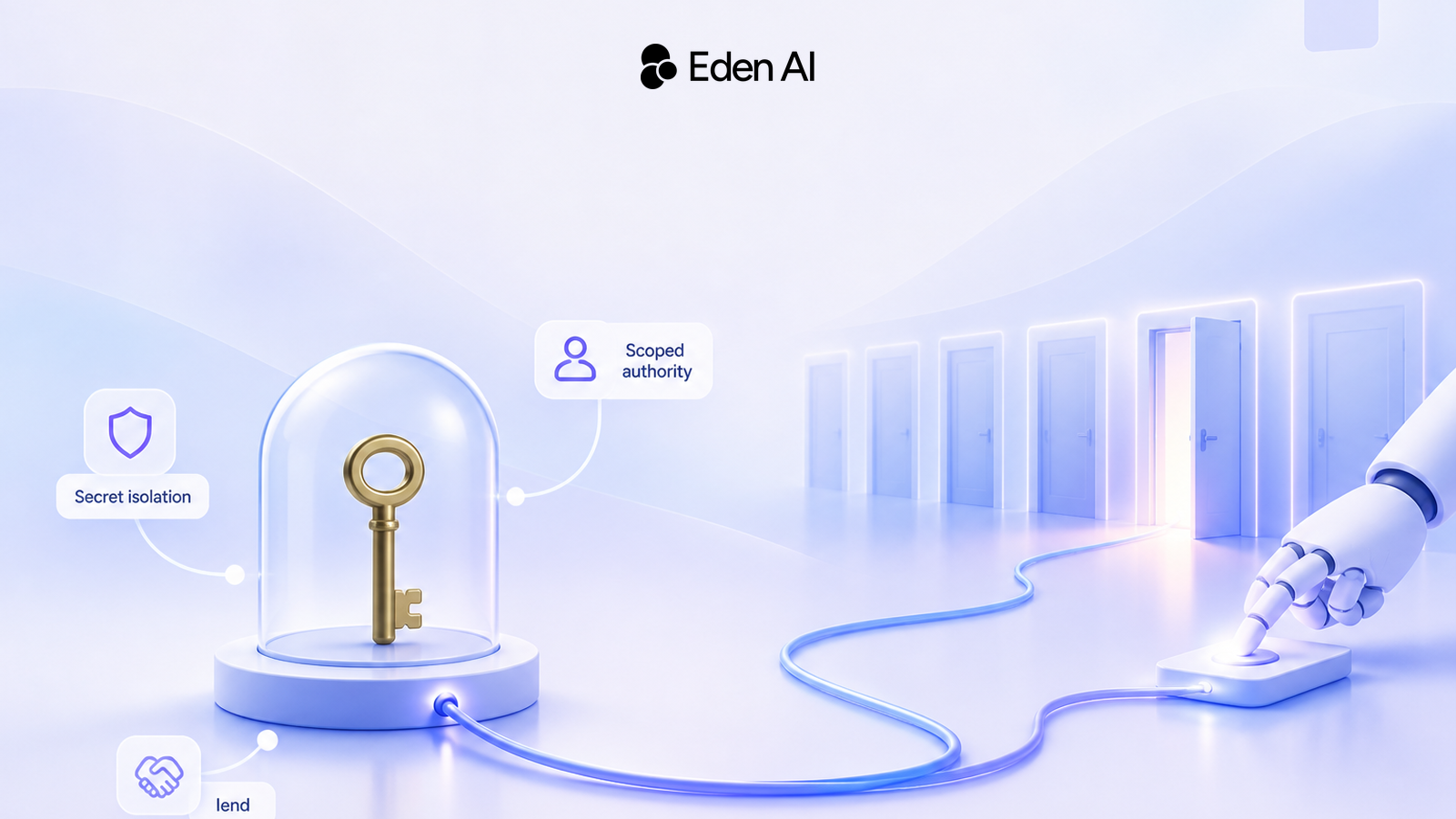
Secret isolation stops the agent from reading, copying or keeping raw credential material. Authority isolation limits which actions, resources, environments and time windows are available through that credential.
Hiding a credential reduces chances to copy and retain it. It does not restrict actions performed during the session. Several Hacker News commenters made this point: if an agent can ask a proxy to perform the actions a key allows, the authority boundary remains open.
Rule of thumb
Treat a credential proxy as delegated execution, not as secret storage. Audit what the agent can make the trusted side do.
Follow the lend request path
lend extends the SSH agent socket so a request from the remote VM reaches the developer's laptop. The laptop checks the request against a local default-deny policy, asks for approval, runs the command with local credentials and returns the result.
When a command needs a token, lend can inject it on the laptop from a local secret reader, such as a GH_TOKEN read through the 1Password CLI. The secret is not sent across the socket.
Through lend mcp, agents get an MCP server with a single tool, run_local_command. The agent must supply a reason before the approval prompt appears. That reason gives context to the person approving, but it comes from the agent requesting execution.
The lend request path
Agent calls the tool
run_local_command includes an agent-supplied reason.
SSH socket routes it
The request travels from the remote VM to the developer's laptop.
Local policy checks it
The default-deny policy validates paths and argument prefixes.
Developer approves
On macOS, lend can request Touch ID verification.
Laptop runs the command
Local secrets are injected there. Only the result returns to the agent.
The laptop is the trusted execution side. That placement alone does not make every request safe. Safety depends on the local policy, the command's authority, the underlying identity and the approval decision.
Audit what the proxy hides and what remains usable
Separate credential theft from credential-backed action. lend keeps API keys and SSH private keys off the guest. This addresses exposure through plaintext configuration files and LLM session transcripts, which participants discussed on Hacker News. The agent can still use whatever authority the proxy allows.
| Credential | What isolation hides | What may stay usable | Boundary to inspect |
|---|---|---|---|
| API key | Raw token value | Allowed API operations | Scopes and resources |
| GitHub CLI login | Stored GitHub credential | Approved CLI commands | Repository and action |
| Cloud token | Raw cloud credential | Permitted cloud actions | Account and environment |
| SSH private key | Private key material | Actions the key authorizes | Hosts and key policy |
| Approval lease | No additional secret | Repeats of one exact command | Duration and use count |
Sources: Antonio Mika's lend post and the Hacker News discussion of it. Status as of November 17, 2026.
Fill in both middle columns for every integration. Record where each raw secret lives, then list every operation the agent can reach without seeing it. A design that documents storage but not delegated actions is incomplete.
Narrow the authority before extending the lease
run_local_command is a general command tool, not a narrow one. lend narrows it through a local declarative policy. The policy denies by default, can restrict executable paths and can allow only specified argument prefixes.
A prefix rule is tighter than approving any command. A tool built for one task is tighter still. For example, a hypothetical open_pull_request tool could be limited to one repository and validate every field on the server. This is a design pattern, not a lend feature.
| Pattern | Authority | Control point | Good for |
|---|---|---|---|
| General command tool | Broad | Local policy and approval | Exceptional operations |
| Prefix-restricted command | Reduced | Executable and argument checks | Known CLI workflows |
| Action-specific tool | Narrow | Server validates each field | Repeated agent tasks |
| Agent-specific identity | Bound to the agent | Repository or cloud ACLs | Team and production use |
Sources: lend's policy model and the Hacker News discussion of it, November 17, 2026. The action-specific tool is a hypothetical design pattern.
The last row comes from the discussion. Engineers argued for dedicated non-human identities, such as an agent-specific GitHub account, held to strict access-control lists rather than agents acting as the developer.
Leases reduce repeated prompts. In lend, a lease approves one exact command and its arguments for a bounded window, such as 5 minutes or 3 uses. It becomes invalid when the SSH session ends or the desktop screen locks.
Don't use a longer lease just to make a broad tool less annoying. Narrow the command and resource scope first, then choose the shortest lease that fits the task. Add centralized execution logs and fast revocation for operational control.
Choose controls for where the agent runs
Raise the minimum controls with the number of users and the value of the systems the agent can reach. A personal repository and a production cloud account should not share one identity or approval model.
Recommended baselines
Match the controls to the environment
Laptop
Solo development agent
Keep high-value credentials out of the agent process. Require explicit approval for destructive actions and use narrow repository permissions.
Remote VM
Team coding agent
Use a separate agent identity, host-side credentials, repository restrictions, short leases, centralized logs and fast revocation.
Production
Cloud or production access
Use a dedicated least-privilege identity, environment boundaries, automatic expiry and fast revocation instead of a developer identity.
What this architecture does not stop
A proxy cannot block misuse that stays inside the authority it allows. The main gaps are:
- Prompt injection: untrusted content can steer an agent into a legitimate tool call, as our guide to document-borne prompt injection explains.
- Misleading reasons: the agent writes the reason shown in the prompt, so a persuasive reason does not prove a request is safe.
- Malicious dependencies: code installed in the VM may try to use the authority available through connected tools.
- A broad tool: a permissive policy can give
run_local_commandwide authority on the laptop. - The trusted side itself: credentials held on a compromised laptop may be exposed.
- Approval fatigue: a tired user may approve a destructive command. Some Hacker News commenters argued for dedicated identities and narrow interfaces rather than relying on approval prompts.
Approval is a backstop
Use approval for exceptional or destructive operations. Routine safety should come from narrow tools, scoped identities, local policy and expiring grants.
Use Eden AI to reduce AI credential sprawl
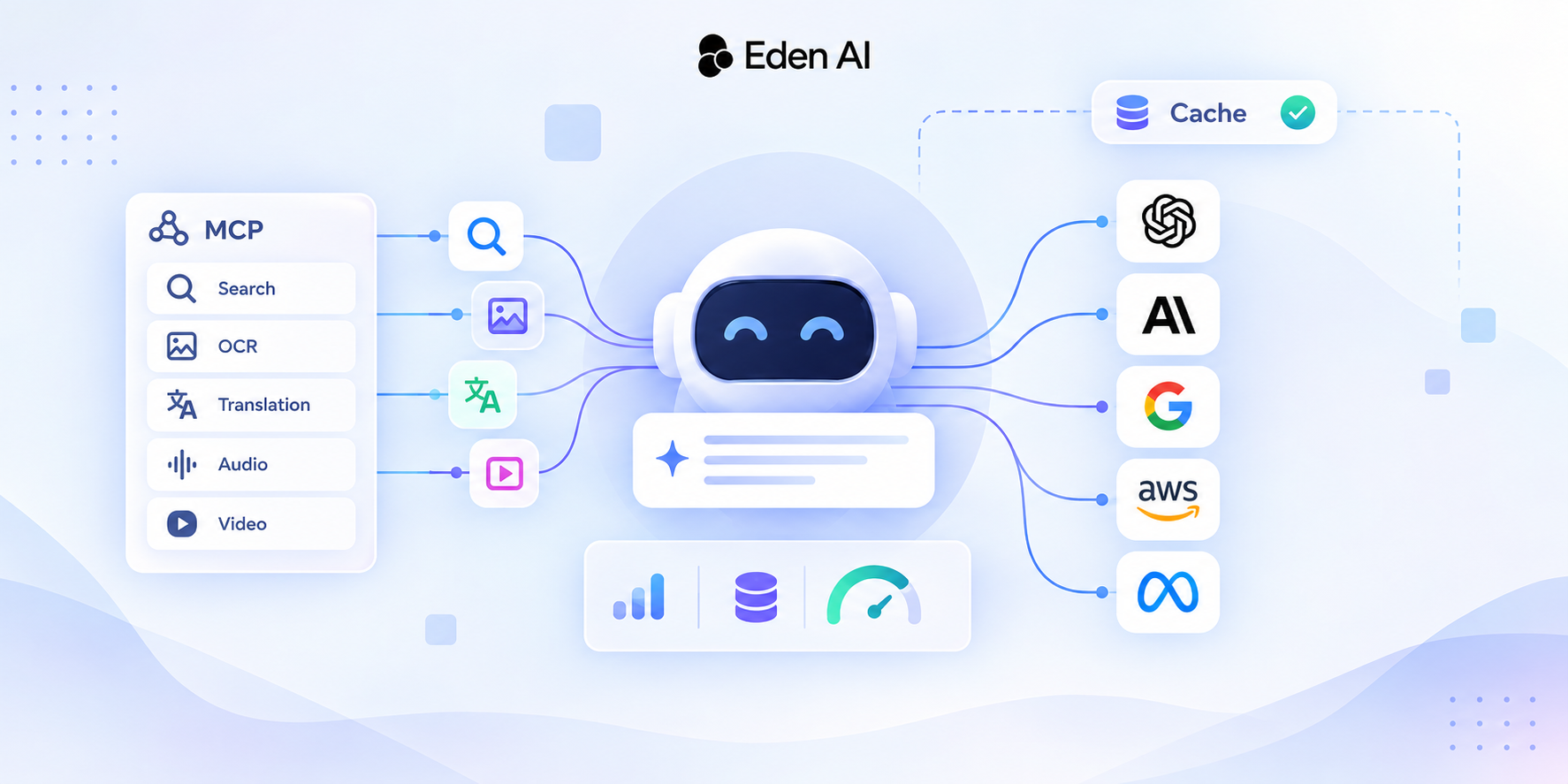
Eden AI gives you one API key and one OpenAI-compatible endpoint for every LLM. Its catalog has more than 1,000 AI models from more than 80 providers, from LLMs to expert models for OCR and document parsing, speech, translation, image and web search.
One key means fewer provider credentials in your setup. It also concentrates model access behind one sensitive credential. Keep that key on a trusted host or in a gateway process, then expose only the operation the agent needs. Our comparison of running your own LLM proxy versus using OpenTelemetry helps with that choice, and our OpenCode setup guide shows one key connecting a coding agent to several LLM providers.
This minimal call uses the OpenAI-compatible endpoint and belongs on the trusted side. Replace MODEL_ID with a model you pick after you list models and their capabilities through the API.
Python
from openai import OpenAI

client = OpenAI(
    api_key="YOUR_EDENAI_API_KEY",
    base_url="https://api.edenai.run/v3",
)

response = client.chat.completions.create(
    model="MODEL_ID",
    messages=[
        {
            "role": "user",
            "content": "Review this patch for security issues."
        }
    ],
)

print(response.choices[0].message.content)
Eden AI's MCP server gives agents the expert models as tools. Before connecting it, check in the docs how the connection authenticates. Wherever your setup allows, keep that credential out of files and transcripts the agent can read.
Treat the gateway and its key as part of the trusted path. Watch the concentrated credential for unusual use with the signals in our guide to detecting abnormal credential usage. Include the gateway itself in your threat model, as our analysis of LLM router security explains.
The takeaway
- Keep raw credentials outside the agent. Hold them on a trusted host or gateway.
- Inspect delegated authority. List the commands, resources and environments reachable through each proxy.
- Use scoped agent identities and tools. Replace broad human access with task-specific permissions.
- Expire grants automatically. Combine short leases with centralized logs and fast revocation.
- Keep approvals for exceptions. Human prompts should not carry the whole authorization boundary.
FAQ
Is running a coding agent in a remote VM enough?
Are environment variables safe for coding-agent credentials?
Does MCP prevent credential theft?
Why give a coding agent its own account?
Does Touch ID stop prompt injection?
How do short leases reduce risk?
When should a coding-agent credential be rotated?
Should a coding agent get production access?
Further reading
- Running coding agents without handing them my credentials: Antonio Mika's architecture, policy model, approvals and leases.
- Securing AI agents against document-borne prompt injection: how untrusted content can trigger legitimate tool calls.
- LLM API security: detecting abnormal credential usage: signals that a concentrated key may be misused.
- When your LLM router turns against you: security risks at the gateway layer.
- LLM proxy vs OpenTelemetry: whether you need your own AI gateway in the trusted path.